By Posture Reminder AI
Published by Posture Reminder AI
OLED MacBook Pro Eye Strain? Check Flicker Before Your Return Window Ends
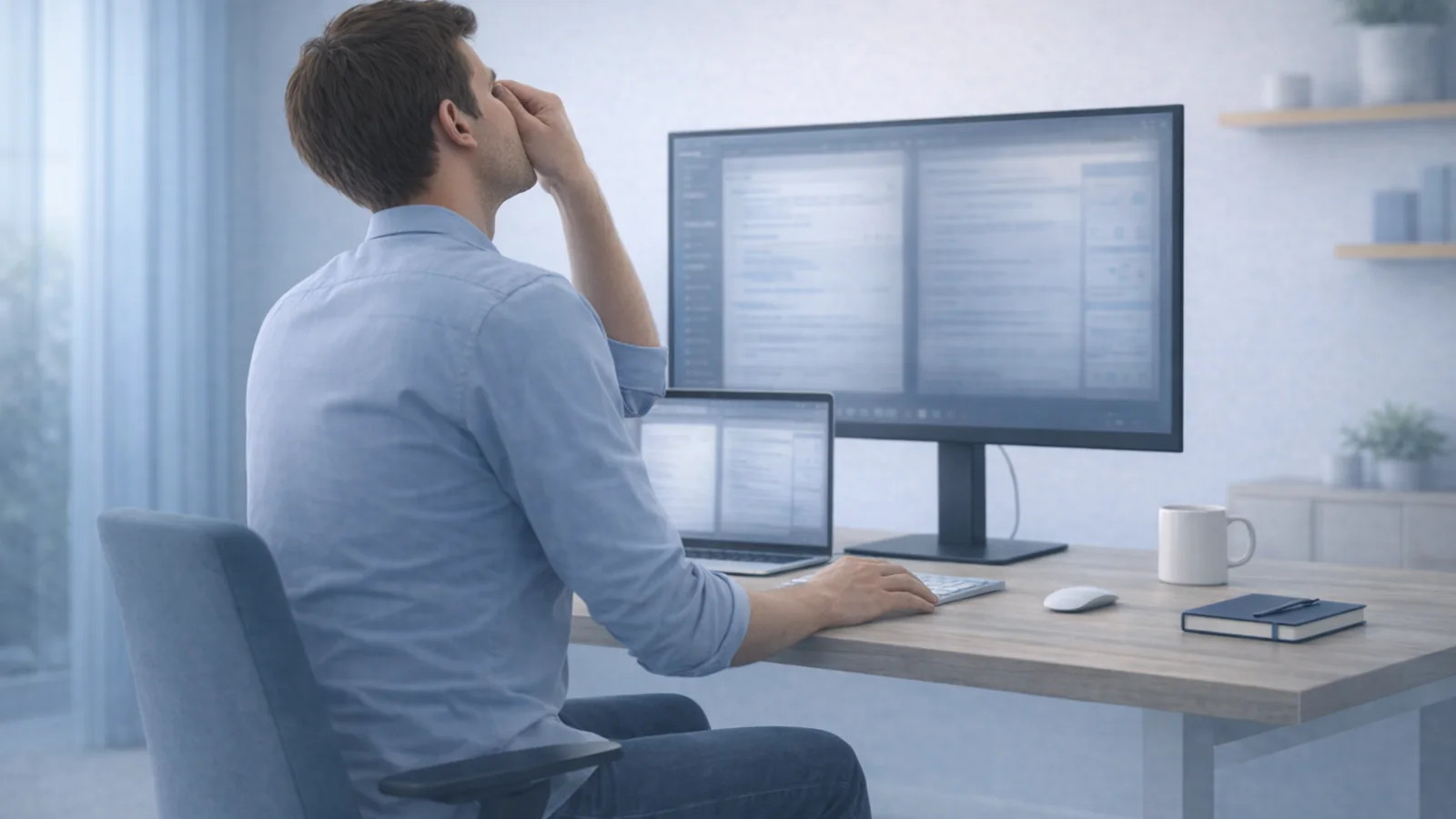
If a new OLED MacBook Pro looks beautiful but leaves your eyes tired or your head aching, you are not imagining that the display is different. You are also not the only person asking. Within days of the November 6 launch, an r/apple discussion warned buyers about flicker, a r/macbookpro thread asked whether reading is harder on the new screens, and flicker-sensitive users in r/PWM_Sensitive compared which Macs they could tolerate.
Quick summary
Summarize this blog with AI
If a new OLED MacBook Pro looks beautiful but leaves your eyes tired or your head aching, you are not imagining that the display is different. You are also not the only person asking. Within days of the November 6 launch, an r/apple discussion warned buyers about flicker, a r/macbookpro thread asked whether reading is harder on the new screens, and flicker-sensitive users in r/PWM_Sensitive compared which Macs they could tolerate.
These posts show a real concern. They do not prove that the display causes symptoms for most people, or that flicker is the cause in your case. A new laptop changes screen size, distance, brightness, glare and often your working routine all at once. The useful goal is a fair test you can finish while you can still return or exchange the machine.
This is practical setup guidance, not an eye examination or a diagnosis. Painful, red or light-sensitive eyes, or headaches with other neurological symptoms, need medical attention rather than more testing at your desk.
What the first measurements show
Many displays control brightness with pulse-width modulation (PWM): the light switches on and off very quickly, and the share of time it is on sets how bright the screen looks. Notebookcheck's PWM explainer notes that lower brightness means longer "off" periods, so slow switching becomes more noticeable as you dim the screen.
In its review of the 14-inch OLED MacBook Pro, Notebookcheck measured flicker at 240 Hz with a 56% amplitude. It detected the flicker at brightness settings of 99% and below and none at 100%. The reviewers describe 240 Hz as low enough that sensitive users may notice it.
Keep two limits in mind. First, this is one publication's measurement of one model; other reviewers may test differently, and future software could change behavior. Second, a measurement tells you what the panel does, not how your body responds. Notebookcheck itself says sensitivity varies widely between people.
Why some people notice flicker and others do not
Most people never consciously see fast flicker. Some report eye strain, headaches or nausea on displays with lower-frequency PWM, while others use the same screens without trouble. In a 55-person lighting study, people with a history of migraine reported seeing a flicker-related visual artifact more readily than people without migraine. That study tested a flickering LED light, not this laptop, so it suggests who may be more sensitive rather than predicting your symptoms.
Ordinary screen work also causes symptoms that feel similar. The American Academy of Ophthalmology explains that people blink far less while using screens (about 5 to 7 times a minute instead of about 15), which can leave eyes dry and tired. It also says long screen sessions do not permanently damage the eyes. So "my eyes hurt on the new Mac" can have more than one explanation, and the test below is designed to separate them.
Run a fair comparison during the return window
Apple's standard return window for purchases from Apple is 14 days from receipt in the United States; authorized resellers set their own policies. Check your receipt today and work backward from the deadline.
- Keep everything else the same. Use the same desk, chair, glasses, room lighting and text size you used on your previous screen. If you can, keep the old computer or an external monitor available for comparison.
- Use the same task on both screens. Pick work you do every day, such as reading documents or reviewing code, and use it for the same length of time on each screen. Avoid deliberately staring at the screen to provoke symptoms.
- Change one variable at a time. Compare a session at your usual brightness with a session at 100% brightness in a well-lit room, where full brightness is less glaring. Because no flicker was measured at 100%, a clear difference between those sessions is useful information.
- Write down what happens. Note the time to first symptom, its type (dry, burning, blurry, headache, nausea) and how long it lasts after you stop. Three or four short entries are more reliable than a single bad afternoon.
- Stop if symptoms are severe. If you get migraine attacks or symptoms that last for hours, do not keep repeating the test. Treat that as your answer and return or exchange the laptop if the timing allows.
Phone-camera "slow-motion" tests sometimes show banding on flickering screens, but camera settings can create or hide bands. Treat a video as a hint, not a diagnosis of your symptoms.
Rule out the changes that came with the new laptop
An upgrade often changes several things that have nothing to do with flicker. Check these before deciding.
| What changed | Why it matters | What to try |
|---|---|---|
| Screen size and viewing distance | Moving from a 16-inch to a 14-inch screen, or sitting closer, can make you focus harder and lean in | Set text size so you can read from about arm's length; the AAO suggests about 25 inches |
| Brightness against the room | A screen much brighter or darker than its surroundings is harder to look at | Match brightness to the room and add soft background light in the evening |
| Glossy reflections | Reflections lower contrast and make you squint | Turn the laptop or yourself so windows and lamps are not reflected; see our glare guide |
| Hours of use and blinking | New-machine excitement often means longer sessions with fewer breaks | Look away from the screen regularly and take short movement breaks |
| Glasses and posture | A new laptop height can push you to view through the wrong part of your lenses | Check head position with our progressive lens guide |
macOS does not offer a "Reduce White Point" control like iPhone, but Accessibility > Display includes a display contrast slider and text-size options that can make reading easier. If symptoms appear only on an external monitor rather than the laptop, our external monitor eye strain guide covers scaling and blurry text.
If flicker seems to be the trigger
If your notes show symptoms at lower brightness but not at 100%, or on this laptop but not on your previous screen under the same conditions, you have a few options.
- Return or exchange while you can. This is the simplest choice if symptoms affect your work. If you consider another model, look for an independent flicker measurement for that exact model rather than assuming every non-OLED screen is flicker-free.
- Work at full brightness in a bright room. Notebookcheck describes full brightness as a workaround, not a fix: it uses more battery and can feel harsh in dim light.
- Dim in software. Some sensitive users keep the hardware brightness high and darken the image with third-party software. This reduces contrast and still uses full-brightness power. Test any utility carefully before relying on it.
- Use an external monitor for long sessions. If you mostly work at a desk, a monitor you tolerate well can carry the long reading sessions. Our clamshell setup guide covers screen height and keyboard placement.
Do not use a workaround to push through migraines or severe headaches. A display that consistently triggers them is the wrong display for you, however well it is reviewed.
When eye symptoms need an exam
The AAO advises seeing an ophthalmologist if your eyes are consistently red, blurry or watery, or if they become painful or sensitive to light. Seek urgent care for sudden vision loss, a sudden severe headache, or headache with weakness, confusion or trouble speaking.
If your headaches follow a pattern across screens and days, our guide to computer headaches explains how eye strain, neck tension and migraine can overlap. Bring your symptom notes to the appointment; they show what you tested and when symptoms started.