By Leon Wei
MacBook Clamshell Ergonomics: How to Use an External Monitor Without Creating Neck Pain
Updated for March 18, 2026. Clamshell mode can be one of the cleanest ergonomic ways to use a MacBook, but only if the external monitor and input devices are positioned well. If the monitor is too low, the keyboard is too far away, or the laptop ends up off to the side as a distraction screen, neck pain can show up fast.
Quick summary
Summarize this blog with AI
Updated for March 18, 2026. Clamshell mode can be one of the cleanest ergonomic ways to use a MacBook, but only if the external monitor and input devices are positioned well. If the monitor is too low, the keyboard is too far away, or the laptop ends up off to the side as a distraction screen, neck pain can show up fast.
This guide explains how to use clamshell mode as a genuine ergonomic upgrade instead of a tidy-looking mistake.
Quick Takeaways
- Clamshell mode works best when the external monitor becomes the true center of the setup.
- An external keyboard and pointing device are mandatory, not optional.
- Monitor height and viewing distance still matter more than the laptop itself.
- If you need the MacBook screen open as a second display, treat it like a second monitor and position it intentionally.
Why Clamshell Can Actually Be More Ergonomic
Closing the laptop removes the temptation to look down at a lower built-in screen. That can simplify the setup dramatically. One main display, one centered keyboard, one pointing device, and less visual confusion.
For many people, this is better than half-docking the laptop and constantly switching gaze between the big monitor and the low laptop screen.
The External Monitor Setup That Works
- Center the external monitor to your main task.
- Set the height so you are not lifting the chin or dropping it all day.
- Keep keyboard and pointing device directly tied to that main monitor.
- Give the desk enough depth that the screen does not force a forward lean.
If you use multiple displays, pair this with a smarter dual-monitor layout instead of improvising on the fly.
Common Clamshell Mistakes That Cause Neck Pain
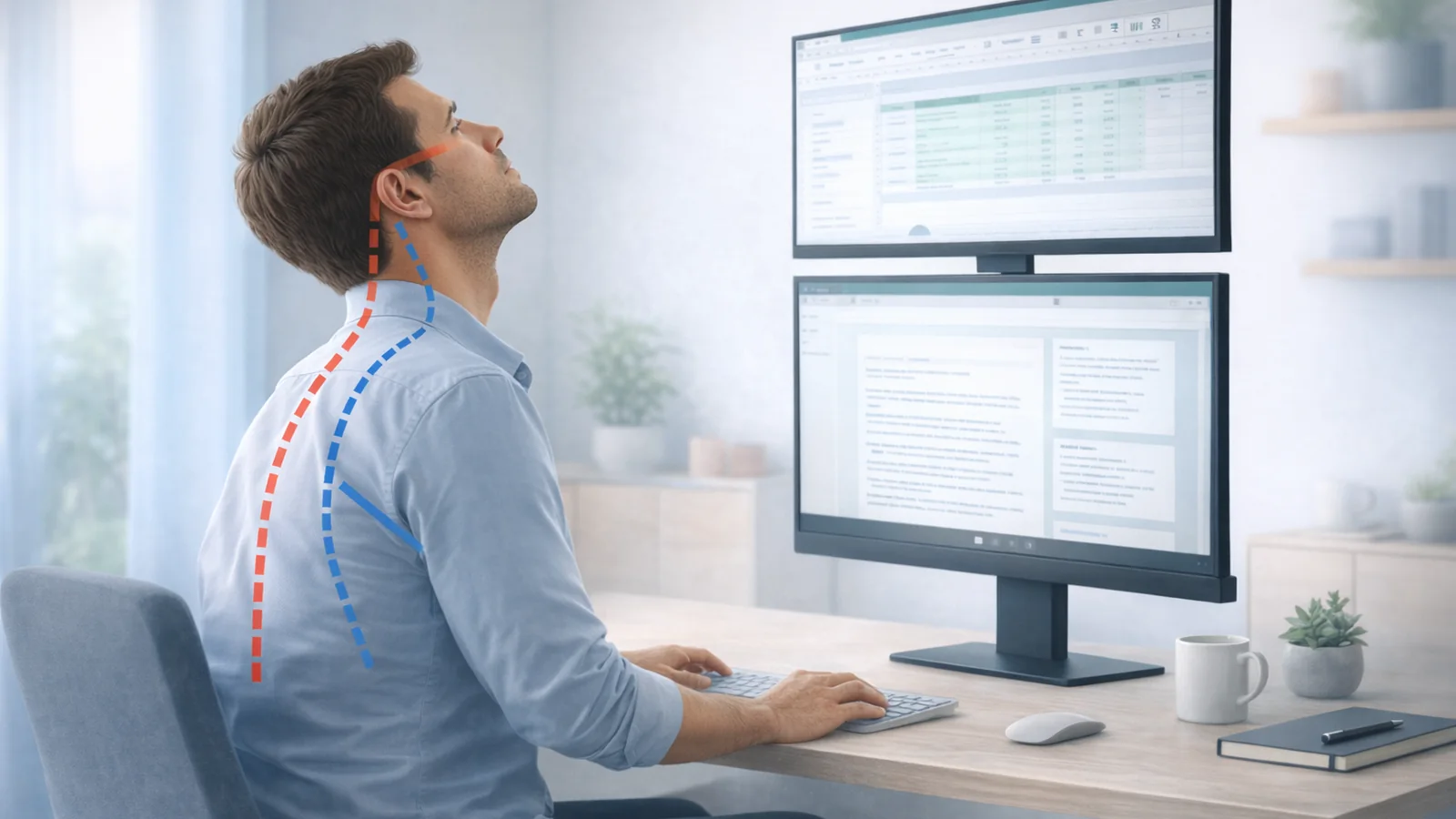
- Using a low external monitor that recreates the same neck flexion problem.
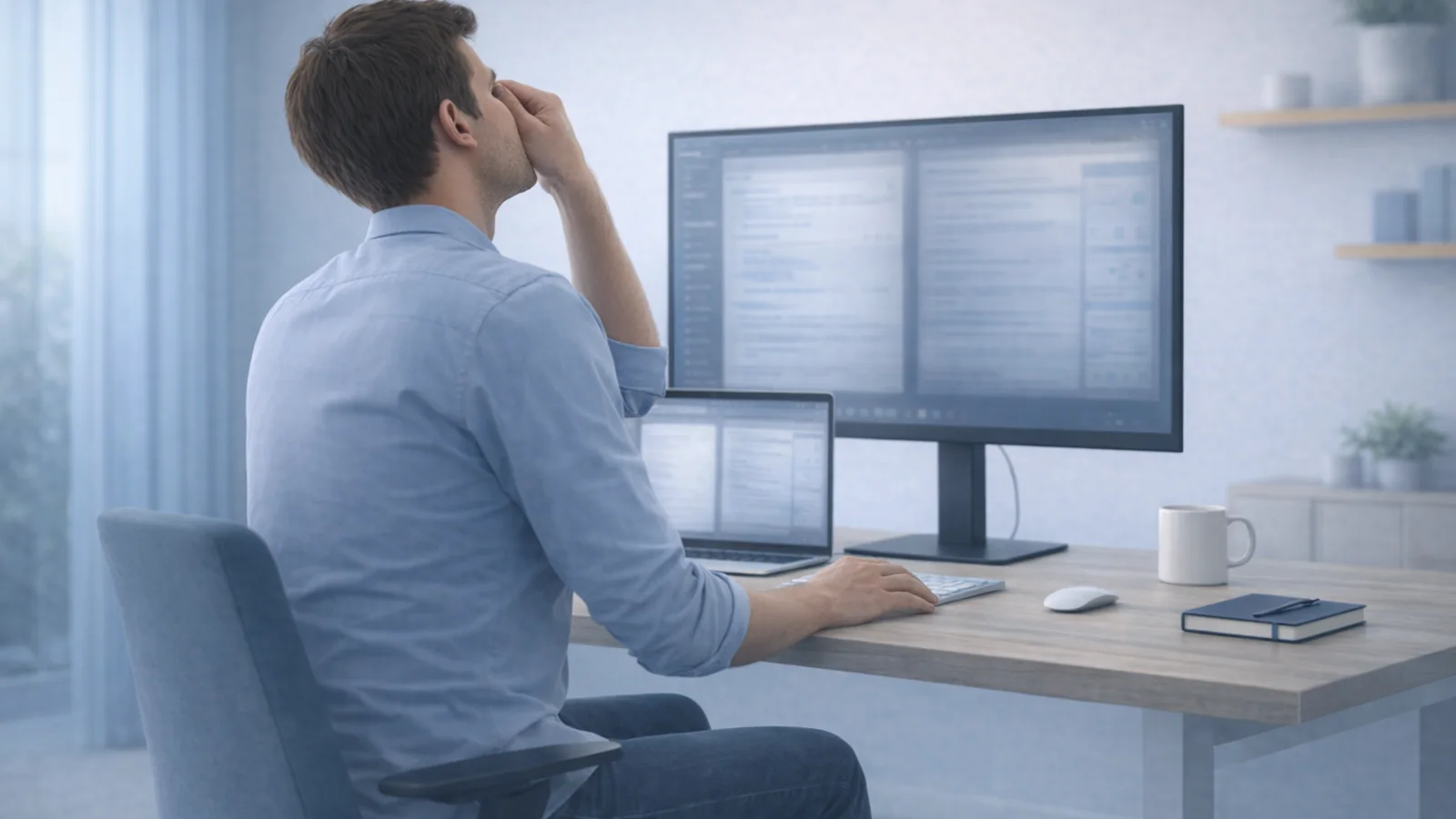
- Placing the laptop off to the side and still checking it constantly.
- Letting the external keyboard drift too far from the body.
- Ignoring breaks because the setup looks cleaner than it feels.
A Good Clamshell Checklist
- The main screen is centered.
- The shoulders can relax while typing and mousing.
- The monitor is easy to read without leaning forward.
- The laptop is either closed or intentionally positioned as a secondary display.
- The workflow includes microbreaks so you do not freeze in one posture all day.
When an Open-Laptop Setup Is Still Better
If you genuinely benefit from the second screen and can place it well, an open-laptop setup can be fine. The key is that the external monitor must stay primary and centered, while the laptop display should act like a secondary reference screen, not a second main workspace.
If the open setup keeps pulling your head down and sideways, clamshell mode is probably the better call.
Common Questions
Does clamshell mode reduce wrist pain too?
It can, because it pushes you toward external input devices. That often reduces the reach and edge-pressure problems of the built-in keyboard and trackpad.
Should the closed laptop sit under the monitor?
Only if it does not crowd the desk or push the monitor into a bad position. The monitor placement matters more than where the closed laptop rests.
What if I miss having the MacBook screen open?
That usually means you want more screen space, not necessarily the laptop screen itself. Consider whether a second monitor or a better window layout would solve the real need.
Related Reading on Posture Reminder AI
- Laptop Ergonomics
- Dual Monitor Ergonomics
- Ergonomic Desk Setup for Programmers
- Forward Head Posture on Mac
Tools That Help
- Microbreak scheduling so a good setup does not turn into a long static session.
- Posture Reminder AI for consistent prompts during deep desk work.
- Workplace ergonomics guidance if the whole workstation still needs attention.


 Leon
Leon