By Posture Reminder AI
Published by Posture Reminder AI
Monitor Light Bar or Desk Lamp? Fix Glare Before Buying More Lighting
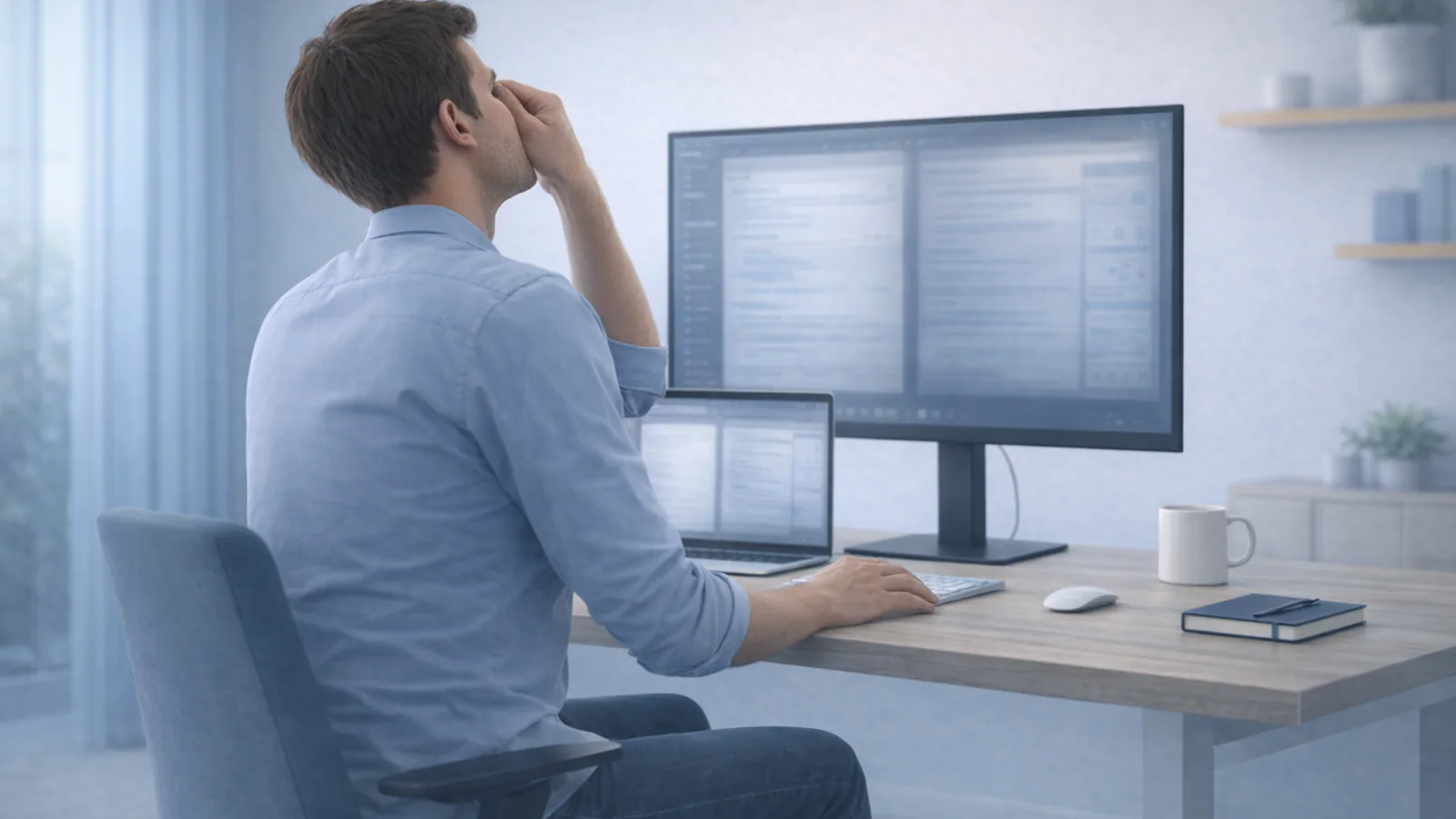
A bright reflection covers one side of your monitor. Turning off the ceiling light removes it, but now the screen feels like a bright rectangle in a dark room. A monitor light bar looks like an easy answer. Whether it helps depends on what needs lighting and where the unwanted light is coming from.
Quick summary
Summarize this blog with AI
A bright reflection covers one side of your monitor. Turning off the ceiling light removes it, but now the screen feels like a bright rectangle in a dark room. A monitor light bar looks like an easy answer. Whether it helps depends on what needs lighting and where the unwanted light is coming from.
A light bar is primarily a way to illuminate the work surface without using a lamp base. It is not a universal treatment for tired eyes, and adding another light does not automatically remove a reflection from a window or ceiling fixture. Diagnose the room first, then decide whether an accessory solves a specific remaining problem.
Identify which lighting problem you have
There are three different jobs to consider: seeing the screen, seeing paper or objects on the desk, and keeping the surrounding room comfortable. One lamp may not do all three well.
| What you notice | First thing to investigate | Why a light bar may not be enough |
|---|---|---|
| A window or lamp is reflected in the display | The reflecting source and its angle | Lighting the desk does not block that source |
| Your notebook is too dark or your hand casts a shadow | Task lighting aimed at the page | A bar can help, but a movable lamp may suit the page location better |
| The monitor feels glaring in an otherwise dark room | Room illumination and screen brightness together | A narrow pool of light on the keyboard may leave the surroundings dark |
| Text remains hard to read in good lighting | Text size, viewing distance, display quality, and vision | More light cannot correct small text or a vision problem |
CCOHS explains that screens produce their own light while paper needs illumination from elsewhere. Poor lighting, glare, viewing distance, dry air, and uncorrected vision can all contribute to discomfort. That is why an accessory recommendation based only on “eye strain” is too vague.
Find the reflection before buying anything
Check from your normal seated position at the time of day when the problem is worst. A dark screen makes reflections easier to notice, but finish with your actual work open. Keep the monitor position and brightness unchanged while locating the source.
- Pick one patch. Note where it appears over the screen and whether it resembles a window, fixture, bulb, or shiny object.
- Change one source. Briefly turn one controllable light off or adjust one blind. If that patch disappears, you have a specific source to address. If it stays, restore that setting before trying another source.
- Trace unclear light paths. Briefly block the suspected path with a book held safely away from the lamp. Do not cover lamps with fabric or put material against a hot fixture.
- Check the tradeoff. With the reflection reduced, read the screen and a page on the desk. Record separately whether the screen is clearer, the page is too dark, or the surrounding room is now uncomfortably dark.
The source-finding method follows the CCOHS lighting survey, which distinguishes direct and reflected glare and uses temporary blocking to locate a source. The final check helps you avoid confusing a successful reflection fix with a complete lighting solution.
Fix window and room lighting first
If you can move the workstation, try having the window to the side rather than directly in front of or behind the display. If you cannot, adjust blinds or curtains enough to control the troublesome area, and provide comfortable room lighting elsewhere.
For lamps, try a different location or a suitable shade that directs light away from your eyes and the screen. Use fixtures according to their instructions; do not improvise coverings. A small change in angle may resolve the reflection without changing the entire desk.
OSHA's workstation-environment guidance recommends controlling window and fixture glare, using indirect or shielded lighting, and avoiding excessive differences between bright and dark areas. It also warns that glare can prompt awkward positions as people try to see around it.
With the room arranged, adjust monitor brightness for the conditions. There is no universal percentage that transfers between displays. Use ordinary documents and the applications you actually work in. Check the result during both daytime and evening work rather than keeping a daytime setting automatically.
Decide whether a light bar solves the remaining problem
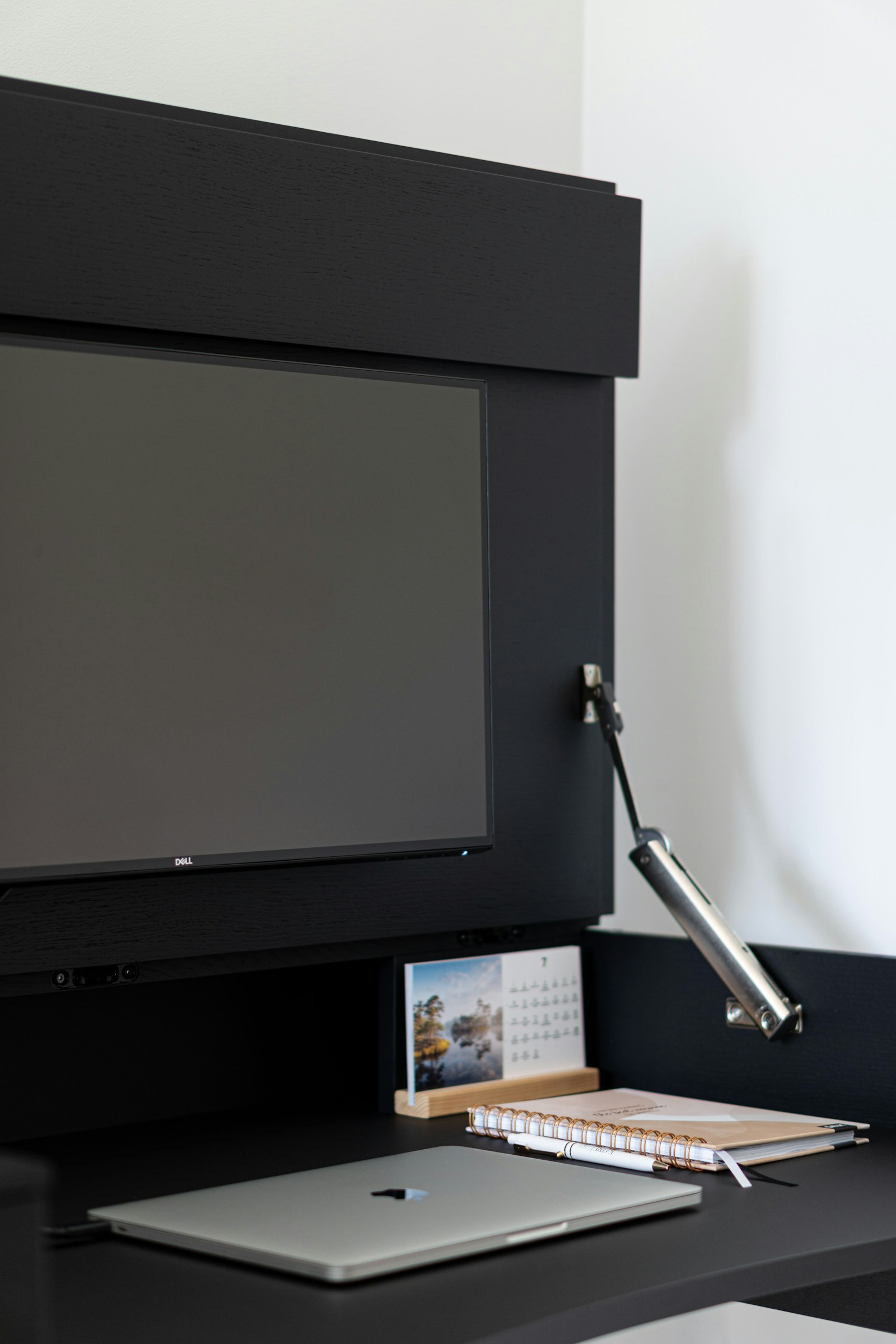
A bar is worth considering when you need a lit keyboard or writing area and a lamp base would consume scarce space. Its usefulness is easier to judge when you can name the job: “light this notebook without reflecting in this monitor.” That is a much clearer purchase test than “make my setup ergonomic.”
For example, BenQ describes its ScreenBar as using asymmetric optics to illuminate the desk while limiting screen reflections. That describes a particular product's design, not proof that every bar has the same light pattern or that a light bar will resolve your symptoms.
Before buying, check monitor thickness and curvature compatibility, mounting instructions, webcam clearance, power requirements, adjustment range, and return terms. Decide whether your main paper area is directly under the bar or off to one side. A movable task lamp may be more useful for a large drawing board or changing paper positions.
After installation, repeat the reflection test with every screen you use, including a glossy tablet lying on the desk. Check for a new bright stripe, visible LEDs, or light shining into your eyes. Evaluate the result from your actual chair height, not while standing behind the desk.
Run a simple comparison during real work
Suppose switching off the ceiling fixture clears a reflection but leaves your room too dark. Try these changes in order, using the same document, text size, and seated position:
- Restore useful room light. Try an existing lamp in a location that does not recreate the reflection. Then adjust screen brightness for that arrangement.
- Check your paper task. Write on the page where it normally sits, including your hand's shadow. If the screen and room are comfortable but the page remains hard to read, task lighting is the remaining job.
- Compare the actual candidates. If available, try a movable lamp and a compatible bar with the page in that same position. Choose the arrangement that lights the page without adding a screen reflection, exposing a bright bulb or LED to your eyes, or forcing you to lean.
If the room-light change already solves the problem, stop there. If the paper moves between several locations, test those positions before choosing a fixed bar. Do not continue through symptoms to finish a comparison; this is a usability check, not a test of how much discomfort you can tolerate.
Check other causes if fatigue continues
Increase text size if you keep leaning forward. Check screen distance and whether your glasses suit that working distance. See the external-monitor eye-strain guide for display-specific troubleshooting and the progressive-lens guide if you tilt your head back to read.
Lighting also does not replace breaks. HSE recommends breaks or changes of activity that interrupt sustained screen work, with shorter, frequent breaks generally preferable to infrequent long ones. Use our microbreak guide to fit those changes into your work.
Arrange an eye examination for recurring or persistent visual discomfort. Seek urgent care for sudden vision changes, loss of vision, severe eye pain, or other concerning new eye symptoms rather than continuing to adjust lights. NHS eye-pain guidance explains when prompt medical assessment is needed.
Common light-bar questions
Will a light bar remove window glare?
It does not block the window. Control the source or change its relationship to the screen first. A bar may then help with the separate task of lighting your desk.
Is more brightness always better?
No. Aim for comfortable visibility without distracting bright patches. Adjust the room, paper lighting, and screen together rather than turning everything to maximum.
Do I need one if my room already feels comfortable?
Only if it solves a remaining practical problem, such as shadows over your notebook or a lamp taking up needed space. There is no requirement to add one to an already usable workstation.