2 min read
Published
Updated
By Posture Reminder AI
Published by Posture Reminder AI
Ergonomic Desk Setup for Programmers: An Evidence-Informed Blueprint for Comfort, Throughput, and Longevity
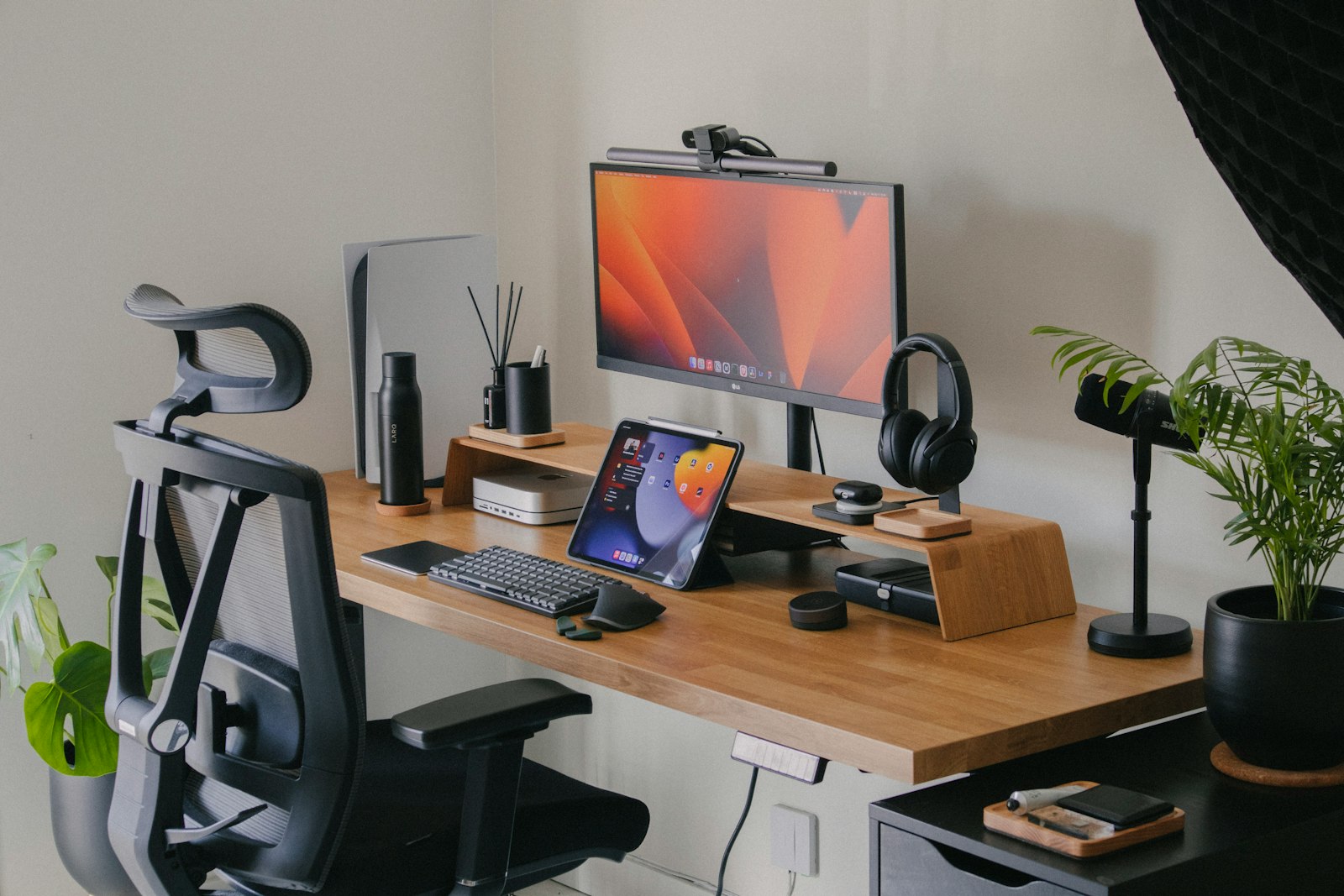
Updated for March 18, 2026. An ergonomic desk setup for programmers should do three things well: reduce unnecessary strain, keep the hands and eyes in positions that hold up over long sessions, and support deep work without turning comfort into a separate project.

Quick summary
Summarize this blog with AI
Updated for March 18, 2026. An ergonomic desk setup for programmers should do three things well: reduce unnecessary strain, keep the hands and eyes in positions that hold up over long sessions, and support deep work without turning comfort into a separate project.
This blueprint focuses on the setup decisions that matter most over thousands of hours, not the accessory list that looks impressive in a desk tour.
Quick Takeaways
- Screen height, keyboard distance, and mouse placement do more than most accessories.
- Programming ergonomics must support long focus blocks without freezing you into one posture.
- Chair, desk, and input devices only work when they work together.
- Microbreaks are part of the setup, not a separate topic.
The Core Setup Blueprint
- Main display high enough to reduce neck drop
- Keyboard and mouse close enough to avoid reaching
- Chair support that keeps feet grounded and shoulders calm
- Enough desk depth that the screen is usable without leaning
How Programmers Break Their Own Setup
- Working long hours on a laptop without external inputs
- Letting side monitors drive constant neck turning
- Using trackpads or mice in ways that overload one hand all day
- Ignoring the workflow changes caused by meetings, reading, or travel
The Three Routines That Make the Setup Work
- Morning setup check
- Midday movement reset
- Short evening review when symptoms start recurring
What to Upgrade First
- External keyboard and mouse for laptop-heavy work
- Monitor or laptop stand
- Chair fit and foot support
- A break schedule you will actually follow