By Posture Reminder AI
Published by Posture Reminder AI
Can a Posture App Fix Neck or Back Pain? What It Can and Cannot Do
A posture app can help you notice when you have stayed in one position for a long time, but it cannot tell you why your neck or back hurts. That distinction matters. A camera, motion sensor, or wearable may estimate the position of visible body landmarks. It cannot examine your joints, test strength or sensation, review your full medical history, or diagnose a condition.
Quick summary
Summarize this blog with AI
A posture app can help you notice when you have stayed in one position for a long time, but it cannot tell you why your neck or back hurts. That distinction matters. A camera, motion sensor, or wearable may estimate the position of visible body landmarks. It cannot examine your joints, test strength or sensation, review your full medical history, or diagnose a condition.
Used with realistic expectations, an app can still be useful. Its best role is usually much smaller than “fix my posture”: help you catch repeatable desk-work patterns, test a manageable change, and build more movement into the day. This guide explains where that value begins, where it ends, and how to evaluate an app without treating its score as a medical verdict.
Key Highlights
- A posture app can estimate position and time in a position; it cannot diagnose the cause of pain.
- No single posture score separates “safe” from “unsafe” for every person.
- The most useful outcome is often better awareness and more position changes, not holding a perfect pose.
- Run a short trial with one clear goal, conservative reminders, and symptoms as context.
- New neurological symptoms, major trauma, or other warning signs need medical assessment rather than more app calibration.
What a Posture App Can Actually Observe
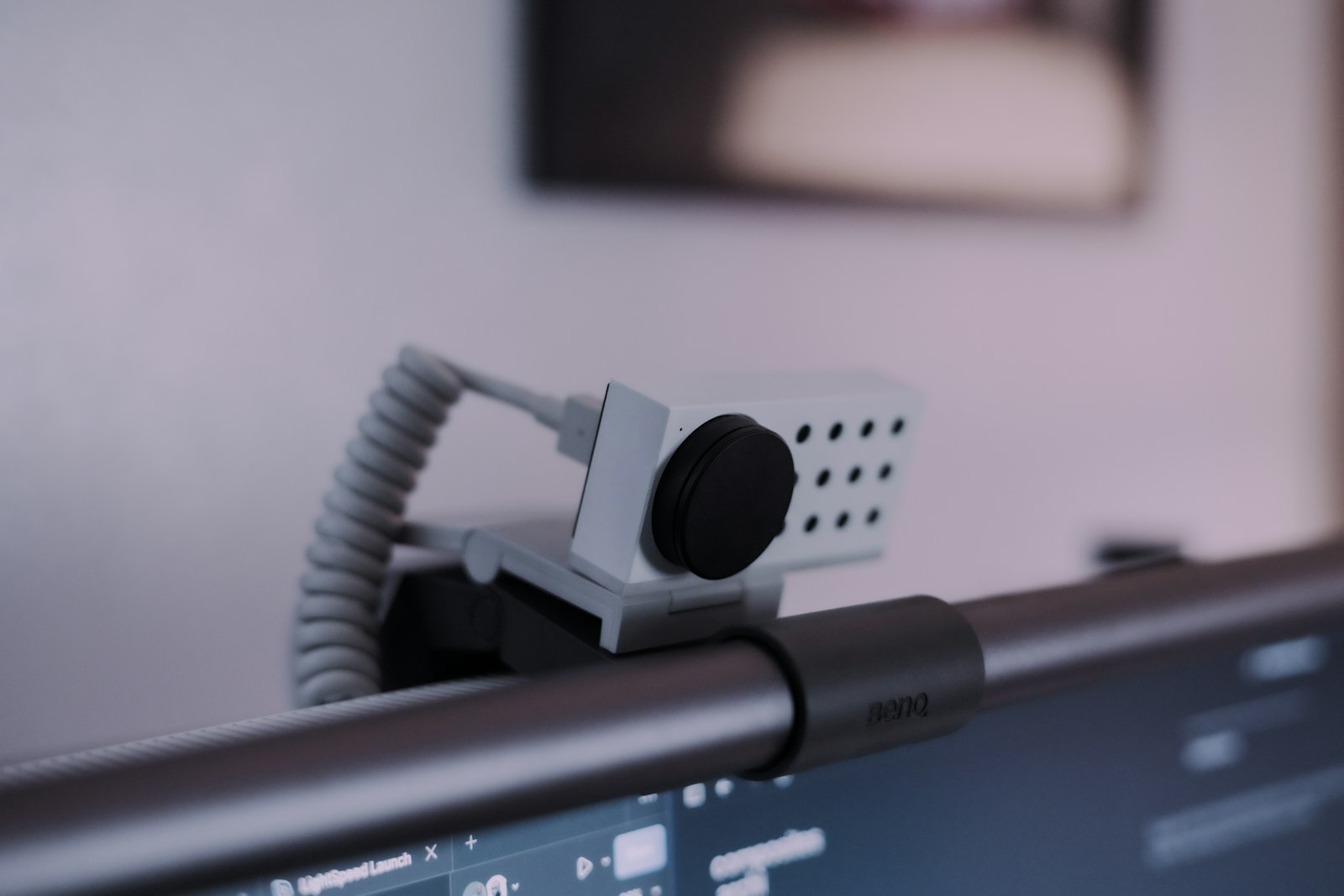
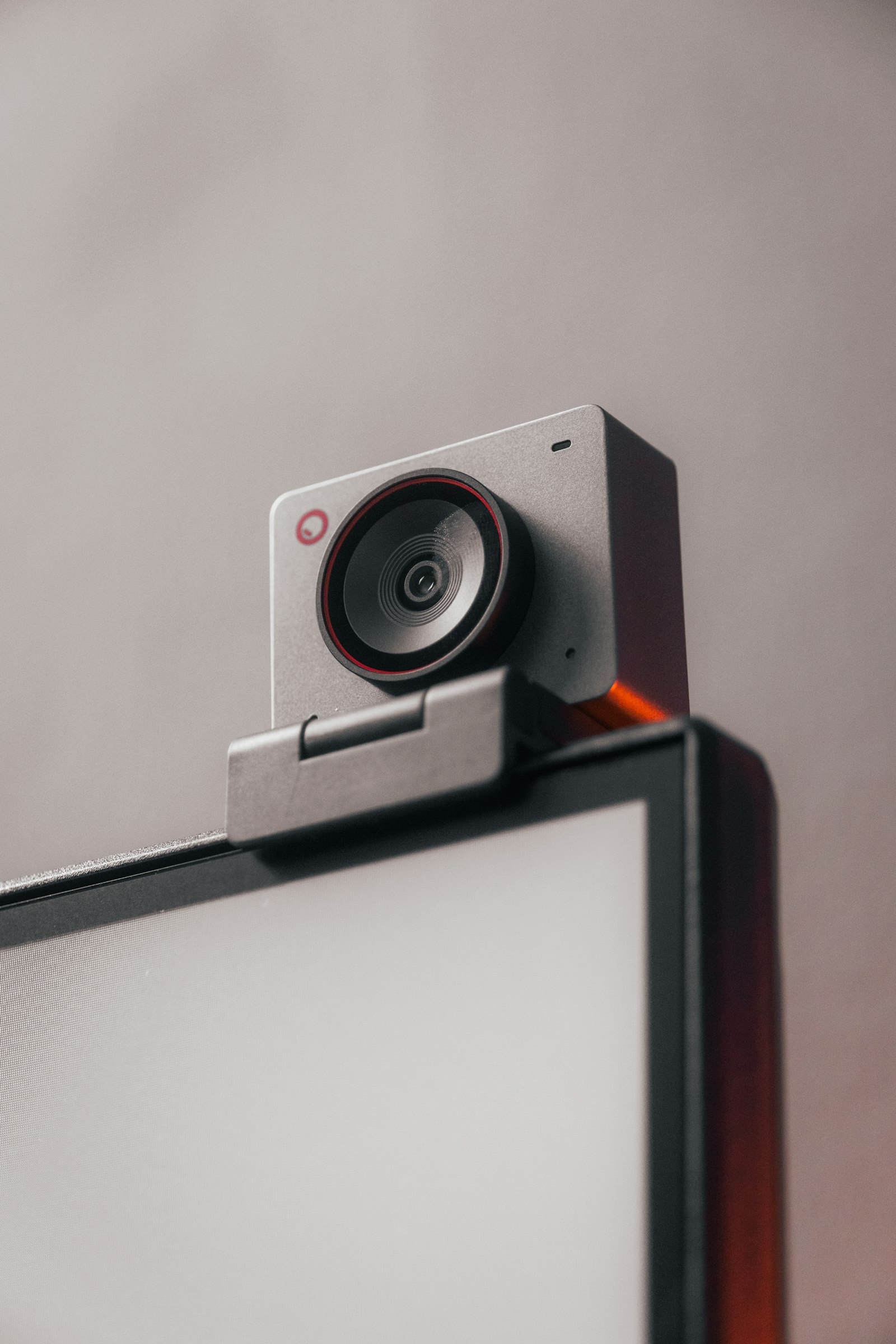
Most posture tools work from one or more observable signals. A webcam-based app may use body-pose estimation to identify visible landmarks, similar in principle to the pose-detection capabilities described in Apple's Vision documentation. A wearable may sense the angle or movement of the device attached to your body. A laptop utility may combine a camera estimate with time at the computer.
Those inputs can support practical observations such as:
- whether your head has moved forward relative to a personal baseline;
- whether your shoulders or trunk appear to have shifted;
- how long you have remained relatively still;
- whether a pattern happens more often during certain tasks;
- whether a gentle prompt led you to move or reset your workstation.
They are estimates, not a complete picture of your body. Camera angle, lighting, loose clothing, occlusion, a laptop placed off-center, and natural differences between people can all change the estimate. A sensor may report that you moved, but not whether the movement felt easy, painful, or appropriate for you.
What It Cannot Diagnose or Promise
Neck and back pain can have many contributors: workload, sleep, stress, recent activity, an irritated nerve, an injury, a health condition, or a combination of factors. The World Health Organization's overview of low back pain emphasizes that low back pain is a symptom with varied causes and that assessment should be person-centered. Pixels or angle data alone cannot establish a diagnosis.
A general-wellness app also should not be interpreted as a medical device simply because it uses the words “AI,” “scan,” or “analysis.” The FDA's explanation of general-wellness software distinguishes tools intended to encourage a healthy lifestyle from software intended to diagnose or treat disease. Read the product's actual intended use and privacy information instead of inferring clinical authority from its interface.
A posture app cannot reliably:
- identify a disc problem, nerve compression, arthritis, or another diagnosis;
- determine whether pain is coming from muscle, joint, nerve, or another structure;
- guarantee that one alignment is harmless or that another is damaging;
- replace an examination by an appropriately qualified clinician;
- promise that alerts or exercises will cure pain.
If an app presents a precise number, remember that precision is not the same as clinical certainty. “Your head is 18 degrees forward” may be an estimate from a particular camera view, not an explanation of symptoms.
Why a Single Posture Score Is Usually Too Simple
Bodies and tasks vary. A person may lean closer to read fine text, look down to draw, rotate toward a second monitor, or relax into a supported position. The same visible angle can feel comfortable for one person and tiring for another. Even a comfortable position may become uncomfortable when held for too long.
This is why a binary good-versus-bad score can create problems. It may encourage bracing, constant self-correction, or anxiety about ordinary movement. It may also produce frequent false alarms when the camera view changes. A more useful question is: “What pattern is this prompt helping me notice, and what small response leaves me feeling better or no worse?”
Think of the score as a configurable cue, not a grade on your body. Personal calibration matters more than copying a generic ideal. If sitting tall requires effort, breath-holding, or pain, that is not a useful target just because the app draws a green line.
What an App May Help You Change
A well-configured app can reduce the mental work of remembering to check in. That can be valuable during focused tasks. The prompt can become a trigger for a choice: change position, soften unnecessary tension, look away from the screen, stand briefly, or continue because you are already comfortable.
The strongest use cases are usually behavioral:
- Interrupting long static periods. The app notices time or drift while you are absorbed in work.
- Finding task-specific patterns. You may discover that you lean only during video calls or when reading small text.
- Testing workstation changes. You can compare how often you crowd the screen before and after increasing text size or centering the main display.
- Building a movement habit. A cue can link an existing work event to a short, comfortable movement.
This approach aligns with the OSHA computer-workstation guidance to vary tasks, change working positions, and take short recovery pauses. It does not require treating every departure from a baseline as a failure.
A Safe Two-Week Trial
1. Choose one outcome
Pick a goal you can observe without pretending to measure a diagnosis. Examples include “take a comfortable movement break during long writing blocks,” “notice when I move close to the screen,” or “finish the afternoon with less sustained muscle tension.” Avoid vague goals such as “repair my spine.”
2. Establish a comfortable baseline
Set up the camera or sensor while you are in a supported position you can maintain without straining. Let the app learn that personal reference if it supports calibration. Do not pull your shoulders back, force your chin in, or brace your abdomen merely to create an impressive baseline.
3. Start with fewer prompts than you think you need
Use a generous delay or lower sensitivity at first. A reminder that fires every time you naturally glance down will soon become background noise. Begin with prompts for sustained patterns or long still periods. Increase sensitivity only if the cue remains accurate, calm, and actionable.
4. Give each alert a small response menu
Decide in advance what a prompt means. Your menu might be: relax the jaw, rest the forearms, make text larger, sit back, stand for a minute, walk to refill water, or dismiss the alert because the current position is comfortable. Choice prevents the app from turning into a command to rigidly straighten up.
5. Record only useful context
At the end of the day, note the task, rough number of useful prompts, and whether symptoms were better, unchanged, or worse. Do not obsess over every angle. Also note non-desk factors such as unusual exercise, poor sleep, or a long drive so you do not credit or blame the app for every fluctuation.
6. Review after two weeks
Keep the app only if it leads to useful action with an acceptable interruption cost. Recalibrate if the camera or workstation changed. Reduce prompts if you are bracing or becoming anxious. Stop the trial if reminders consistently worsen symptoms or attention and discuss persistent pain with an appropriate clinician.
Where Posture Reminder AI Fits
Posture Reminder AI is designed for awareness and habit support on a Mac. It uses on-device signals and a personalized baseline to notice sustained changes and offer configurable reminders. That can make it useful for the behavioral jobs described above: spotting a repeatable desk pattern and remembering to vary position.
It is not a diagnostic or treatment tool. It cannot identify the cause of neck or back pain, assess neurological function, or decide whether a movement is medically appropriate. Its feedback should be treated as optional information about your work pattern. Calibrate from a comfortable position, keep the delay long enough to avoid reacting to ordinary movement, and judge the setup by whether the prompts are genuinely helpful.
When the App Is Not the Next Step
Technology can become a distraction from symptoms that need assessment. The NHS back-pain guidance recommends urgent help for warning signs such as weakness, tingling or numbness in both legs; loss of feeling around the genitals or anus; or changes in bladder or bowel control. Emergency symptoms, chest pain, serious trauma, fever with feeling unwell, or rapidly worsening symptoms also should not be managed by changing reminder settings.
For neck symptoms, seek medical advice when pain is persistent or you are worried, and seek prompt assessment for symptoms such as pins and needles or a cold arm, as outlined in the NHS neck-pain guidance. Local services may use different triage pathways, so follow the emergency and medical advice where you live.
Even without urgent warning signs, get professional help if pain keeps interfering with sleep, work, or daily activity; follows an injury; or does not improve. Bring a simple summary of symptom patterns and what you tried. An app log may support that conversation, but it does not replace it.
Frequently Asked Questions
Can an AI posture scan tell me what is wrong with my back?
No. It may estimate visible alignment from an image, but it cannot determine the cause of pain. Diagnosis may require a history, physical examination, and sometimes other testing chosen by a qualified clinician.
Is forward head posture always harmful?
No single visible position is automatically harmful for everyone. Context, duration, comfort, capacity, and change over time all matter. If a position is uncomfortable, adjust the task or move rather than treating the shape itself as proof of damage.
Should I correct myself every time an alert appears?
No. Use the alert as a check-in. You can change position, reduce tension, adjust the workstation, move briefly, or dismiss it. Constant forceful correction can create fatigue and make reminders counterproductive.
How quickly should a posture app reduce pain?
There is no dependable timeline, because the app does not treat a known cause. Assess whether it helps you build useful work habits over a short trial. Persistent, severe, or worsening pain deserves appropriate medical advice.
What should I look for in a posture app?
Look for transparent privacy information, personal calibration, adjustable sensitivity and delay, easy pause controls, and feedback that encourages movement rather than fear. Be skeptical of diagnostic or cure claims.
Medical Disclaimer
This article is for general education and is not medical advice, diagnosis, or treatment. It cannot account for your health history or symptoms. Seek advice from an appropriately qualified healthcare professional for persistent, severe, worsening, or concerning symptoms, and use local emergency services for urgent warning signs.