By Posture Reminder AI
Published by Posture Reminder AI
AirPods vs Camera Posture Apps on Mac: Privacy, Accuracy, and Comfort
Updated for April 2026. Mac users now have two practical ways to get posture feedback without wearing a brace: a camera-based posture app or an AirPods/headphone-motion posture app. Both can work, but they are not interchangeable.
Quick summary
Summarize this blog with AI
Updated for April 2026. Mac users now have two practical ways to get posture feedback without wearing a brace: a camera-based posture app or an AirPods/headphone-motion posture app. Both can work, but they are not interchangeable.
The useful question is not "which sensor is better?" It is: which sensor catches the posture drift you personally miss while working?
Quick Takeaways
- Choose AirPods/headphone-motion tracking first if your main issue is head tilt, looking down, or neck-angle drift while you already wear compatible headphones.
- Choose camera posture tracking first if your main issue is whole-desk slouching, shoulder rounding, leaning toward the monitor, or posture drift you cannot feel until later.
- Privacy depends on permission scope, local processing, data retention, and pause controls, not only on whether the app uses a camera.
- The best reminder is the one you will keep using calmly. Bad fit, notification fatigue, battery friction, or headphone discomfort can ruin an otherwise clever sensor.
Quick Decision Table
| Your main problem | Try first | Why |
|---|---|---|
| You look down while reading, coding, or using a laptop | AirPods/headphone motion or camera | Head angle is a direct signal, but camera can also show whether the laptop setup is causing it. |
| Your shoulders round and your torso collapses by afternoon | Camera posture app | Headphones do not directly see shoulder or torso position. |
| You are privacy-sensitive about camera access | Either, after a permission audit | No-camera does not automatically mean no data collection. Camera can be acceptable when processing is local and narrow. |
| You dislike wearing earbuds all day | Camera posture app | A posture tool you avoid wearing will not help. |
| Your company restricts camera use on work devices | Headphone motion or non-camera reminders | Follow managed-device policy before granting camera access. |
| You want setup feedback, not just reminders | Camera posture app plus workstation checks | The app can catch visible drift, but the desk geometry still needs to be fixed. |
What AirPods posture tracking can actually measure
Headphone-motion posture apps use motion data from supported Apple headphones. Apple documents CMHeadphoneMotionManager as the Core Motion API that starts and manages headphone motion services, and tells developers to check whether motion data is available before using it.
That signal is strongest when posture failure shows up as head position. If your neutral posture is calibrated, the app can notice when your head tilts down, drifts forward, or stays outside the calibrated range for too long.
That does not mean it sees your whole posture. It cannot directly know whether your pelvis tucked under, whether your shoulders rounded, whether your chair lumbar support is wrong, or whether your monitor is too far away. It sees head motion. Everything else is inference.
What camera posture tracking can actually measure
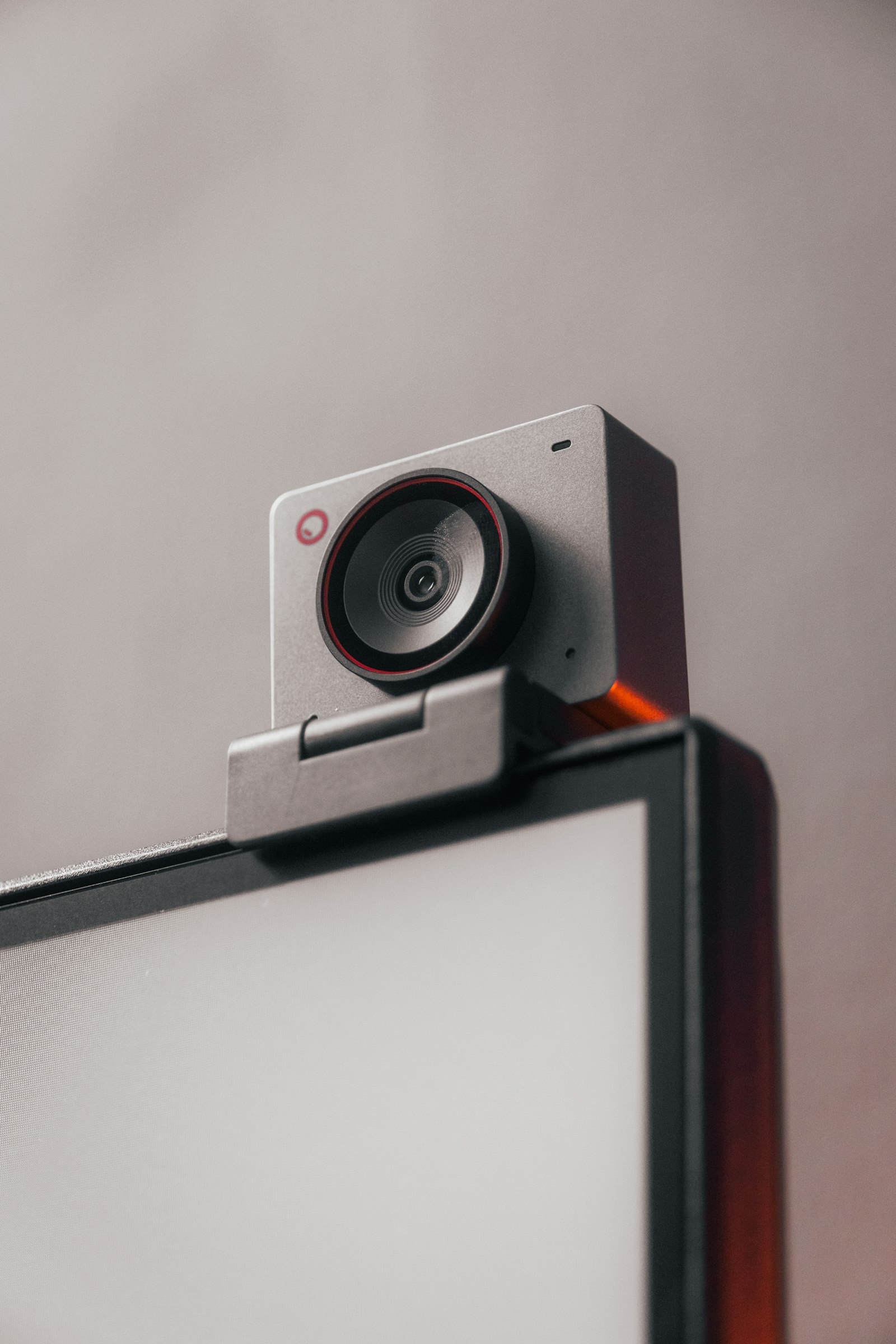
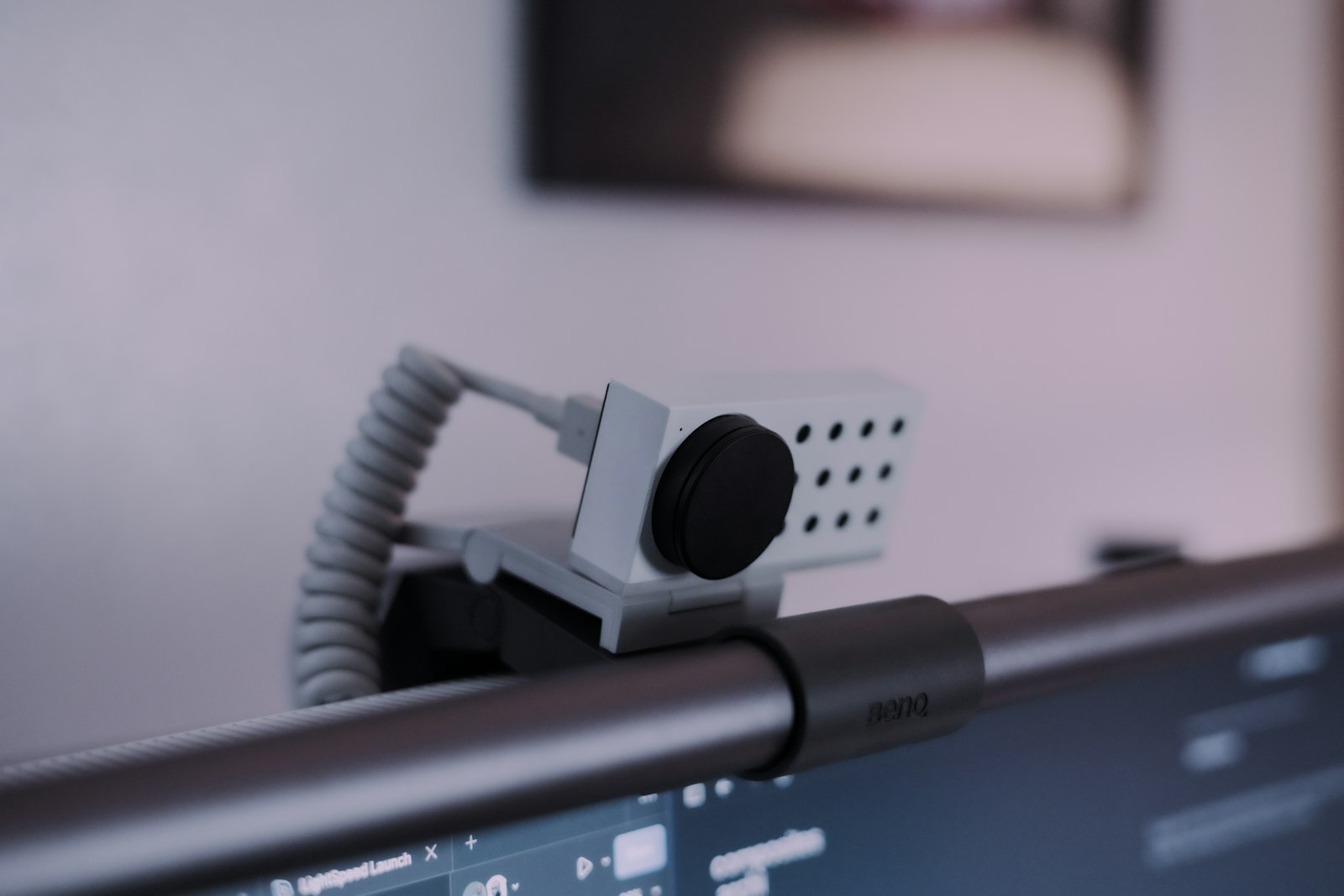
A camera-based posture app uses the Mac camera or an external webcam to observe visible body position. That can make it better for desk posture patterns that involve more than the head: shoulder rounding, torso slump, asymmetry, leaning toward a screen, or a work setup that slowly pulls you forward.
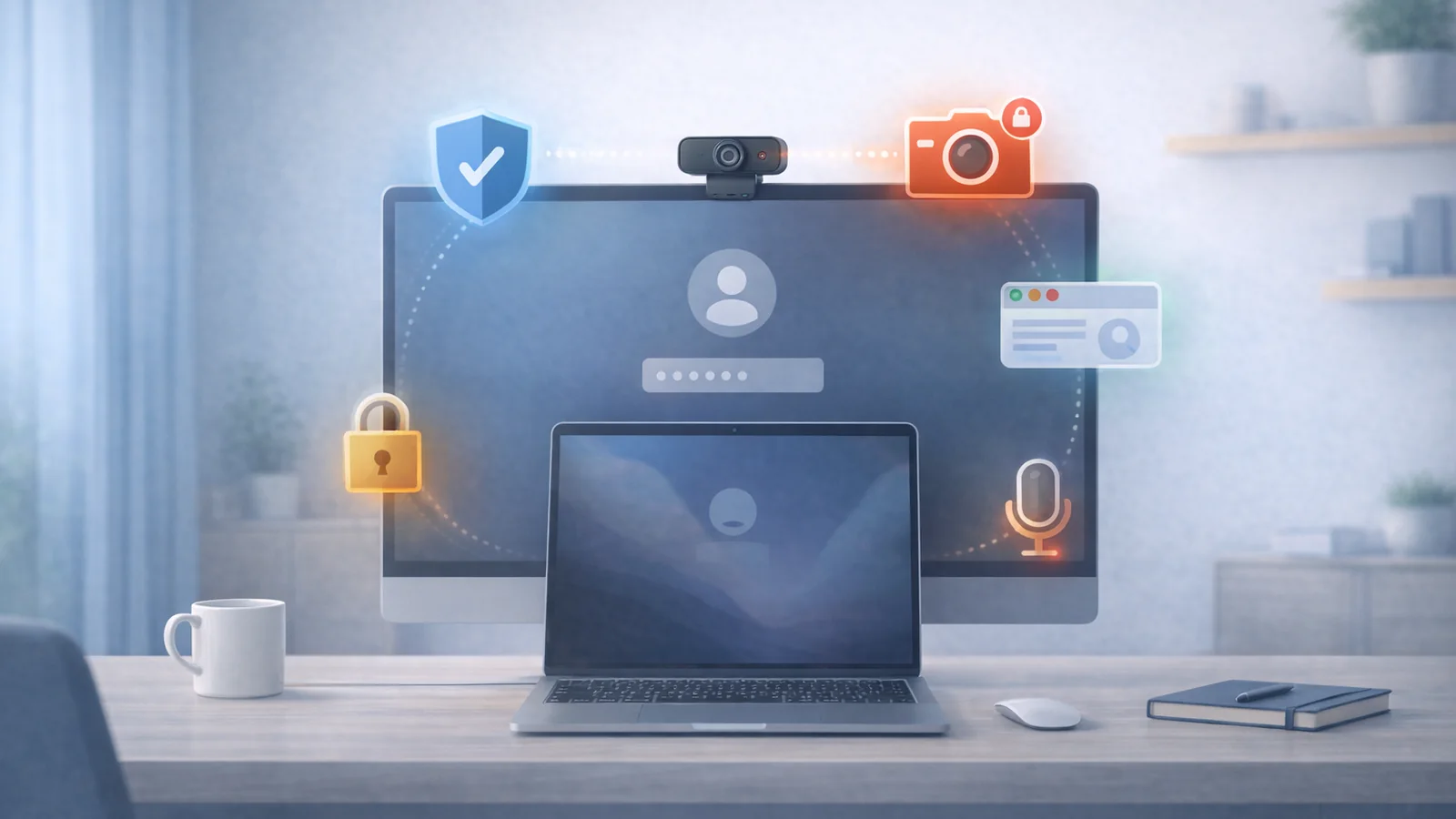
The tradeoff is obvious: camera access is sensitive. Apple explains in Control access to the camera on Mac that users can decide which installed apps are allowed to use the camera, and that the green camera light appears when the camera is active.
A trustworthy camera posture app should make the permission feel narrow: why the camera is needed, whether analysis stays on device, whether images or video are stored, how monitoring is shown, and how to pause or quit quickly.
Sensor Comparison
| Factor | AirPods/headphone motion | Camera posture app |
|---|---|---|
| Best signal | Head tilt and neck-angle drift | Visible head, shoulder, torso, and leaning patterns |
| Blind spots | Shoulders, lower back, chair fit, monitor distance | Hidden body parts, poor lighting, bad camera angle |
| Privacy surface | Motion data, app analytics, possible account/cloud behavior | Camera permission, possible image/video handling, app analytics |
| Comfort friction | Requires wearing compatible headphones | Requires acceptable camera placement and permission trust |
| Battery friction | Headphone battery can matter | Mac camera use can matter, but no earbud battery |
| Best workflow | Focused blocks where you already wear headphones | Desk sessions where whole-body slouching is the issue |
Privacy is a behavior, not a slogan
It is too simple to say "no camera" equals private and "camera" equals risky. A headphone-motion app can still collect motion history, usage events, account data, and analytics. A camera app can be privacy-preserving if it processes posture locally, stores no video, asks for only the permission it needs, and makes the active state obvious.
Use this audit before trusting either category:
- Does the app explain exactly which sensor it uses and why?
- Does it work without an account when the core feature does not require one?
- Does posture processing happen locally or on a server?
- Does it store raw camera frames, video, motion samples, or only local posture events?
- Can you pause or quit monitoring immediately?
- Does it ask for unrelated permissions such as Full Disk Access, Input Monitoring, or Accessibility without a clear reason?
For camera-based tools, use Mac Camera Permission Audit before granting access. For the broader software landscape, use 9 Best Posture Monitoring Apps in 2026.
Accuracy and false positives
AirPods-style tracking can be precise about head motion but wrong about meaning. Looking down to read notes, adjusting glasses, leaning into a call, or changing headphones can look like posture drift. Good calibration and gentle timing matter.
Camera posture tracking can see more context but depends on the camera view. A low laptop camera may exaggerate forward-head posture. A side camera may miss shoulder symmetry. Bad lighting, a hoodie, a high-backed chair, or an external monitor blocking the torso can reduce usefulness.
The practical test is not whether the app is theoretically accurate. The practical test is whether its reminders match the moments you would have wanted to reset.
Comfort and adherence
A posture reminder is only useful if it survives real work. If you remove your earbuds after lunch, headphone tracking only covers part of the day. If camera permission makes you uneasy, you may avoid launching the camera app even if it is technically stronger.
- Pick headphone motion if headphones are already part of your workday.
- Pick camera posture if you want feedback without wearing anything.
- Pick lower-friction break reminders if sensors make you tense or distracted.
- Lower notification intensity before abandoning a tool that otherwise catches the right pattern.
Where Posture Reminder AI fits
Posture Reminder AI is best suited for people whose desk posture changes visibly while they work: forward head, shoulder rounding, leaning toward a monitor, or slouching that appears gradually when focus is high. That is where camera-based feedback has a natural advantage over a head-only signal.
It is not the best fit for someone who refuses camera access, works on a managed Mac where camera utilities are restricted, or wants a reminder that only tracks head tilt through headphones. In those cases, headphone-motion or timer-based reminders may be a better first test.
A practical trial plan
- Pick one category for one week instead of testing three apps at once.
- Calibrate in your normal work setup, not in an artificially perfect pose.
- Use a low reminder intensity for the first day.
- Track only two outcomes: fewer late-day symptoms and fewer severe posture drifts.
- If reminders are accurate but annoying, tune timing. If reminders are wrong, recalibrate or switch categories.
Frequently Asked Questions
Are AirPods posture apps accurate enough?
They can be accurate enough for head-angle reminders, especially with good calibration. They are less complete for shoulder, torso, hip, chair, or monitor-distance problems.
Are camera posture apps safe to use?
They can be, but only when permission and data handling are clear. Prefer apps that ask only for camera access, process locally when possible, avoid storing raw images or video, and make monitoring easy to pause.
Which option is better for neck pain?
If neck pain mainly comes from looking down or letting the head drift forward, headphone motion may be enough. If neck pain comes from monitor distance, shoulders, video calls, laptop height, or full-body slouching, camera-based or setup-focused feedback is usually stronger.
Do I need a posture app if I already have a standing desk?
Maybe. A standing desk gives more position options, but it does not automatically stop forward-head posture, shoulder tension, or long static blocks. A reminder can still help if it catches drift early.
Related Reading on Posture Reminder AI
- Mac Camera Permission Audit
- 9 Best Posture Monitoring Apps in 2026
- Zoom Neck Pain
- Microbreaks for Desk Workers
Tools That Help
- Compare your upright and slouched side view
- Check whether your desk geometry is causing the drift
- Build a realistic reset schedule
Privacy Disclaimer
This guide is general privacy and ergonomics education, not legal, medical, or workplace compliance advice. If you use a managed work device, follow your employer's approved software and camera-use policies.