By Posture Reminder AI
Published by Posture Reminder AI
Hand Numbness at a Computer: When Ergonomics Helps and When to Get Checked
Updated for May 30, 2026. Hand numbness at a computer is different from ordinary desk fatigue. A tired forearm after a long work block is one thing. Tingling, pins and needles, loss of feeling, clumsiness, or weakness in the hand deserves more care.

Quick summary
Summarize this blog with AI
Updated for May 30, 2026. Hand numbness at a computer is different from ordinary desk fatigue. A tired forearm after a long work block is one thing. Tingling, pins and needles, loss of feeling, clumsiness, or weakness in the hand deserves more care.
Ergonomics can reduce common irritants: high keyboard surfaces, far mouse reach, hard wrist pressure, bent elbows, tense shoulders, and long static work blocks. But ergonomics should not be used to explain away symptoms that are persistent, spreading, worsening, or affecting daily life.
This guide helps you separate reasonable workstation fixes from signs that you should stop guessing and get checked.
Fast Answer
If your hand gets numb or tingly at the computer, remove pressure at the wrist and elbow, bring the keyboard and mouse close, lower the input surface if the shoulders are lifted, keep the wrists mostly straight, and take shorter work blocks. Get medical guidance if numbness persists after work, wakes you at night, comes with weakness, or keeps returning despite setup changes.
Mayo Clinic carpal tunnel guidance describes numbness and tingling in the thumb, index, middle, and ring fingers as a common symptom pattern. AAOS cubital tunnel guidance explains why numbness and tingling in the ring and little fingers can point toward ulnar nerve irritation at the elbow. These patterns need respect, not random gear shopping.
Match the Symptom Pattern
Thumb, index, middle, or part of the ring finger: this can fit a median-nerve pattern, especially if symptoms are worse with wrist position or wake you at night. Ergonomics may reduce irritation, but persistent symptoms should be assessed.
Ring and little finger: this can fit an ulnar-nerve pattern, especially when the elbow stays bent, rests on a hard armrest, or leans on the desk. Read desk elbow pain and pinky tingling if that sounds familiar.
Whole hand, both hands, or symptoms moving up the arm: do not assume the keyboard is the only factor. Neck position, medical conditions, sleep position, non-work activity, and nerve sensitivity can all matter.
Pain without numbness: setup changes may be a reasonable first step, but the same rule applies: symptoms that keep escalating need care.
Desk Setup Checks That Can Help
1. Remove wrist pressure. Do not press the wrist crease into a desk edge, laptop edge, or tall wrist rest. Use palm support lightly during pauses, not heavy pressure during active typing.
2. Bring the mouse and keyboard close. Reach makes the shoulder, elbow, and wrist share load for too long. The keyboard should be centered for the task, and the mouse should sit next to it rather than outside a wide reach.
3. Lower the effective input height. If you have to lift your shoulders to type or mouse, the surface is too high. Raise the chair only if your feet stay supported, or use a lower tray or work surface.
4. Avoid long elbow compression. Armrests should support lightly without pressing into the elbow or forearm. Avoid leaning on the elbow while reading, scrolling, or taking calls.
5. Break up the dose. Nerves and tendons often dislike sustained positions. Short, frequent changes of activity are usually more useful than one long break after symptoms peak.
Red Flags That Need Care
Get assessed sooner if numbness persists after you stop using the computer, wakes you at night, keeps returning quickly, spreads, comes with weakness, makes you drop objects, changes grip strength, or affects tasks like buttoning clothing, cooking, driving, lifting, or writing by hand.
Also get help if symptoms started after an injury, if there is swelling or color change, if both hands are involved without a clear work trigger, or if you have a medical condition that can affect nerves or circulation. A workstation can aggravate symptoms, but it is not a diagnosis.
What Not to Do
Do not keep buying mice, keyboards, braces, and pads while numbness is escalating. Do not stretch aggressively into tingling. Do not test whether you are improving by doing another marathon work session. Do not sleep in a tight wrist brace or elbow position without clinical guidance if symptoms are not clearly improving.
The goal is to lower irritation and gather useful information. If the pattern behaves like more than ordinary fatigue, the useful information is that you need a proper evaluation.
Seven-Day Reduce-Irritation Plan
Day 1: Remove hard contact at the wrist and elbow. Watch where you lean during real work.
Day 2: Move the mouse beside the keyboard and reduce forward reach.
Day 3: Lower the input surface or raise the chair with stable foot support.
Day 4: Use shorter work blocks and stop before tingling peaks.
Day 5: Reduce repetitive clicking and typing with shortcuts, dictation, text expansion, or task batching where practical.
Day 6: Track which fingers are affected, when symptoms start, and whether they persist after work.
Day 7: If symptoms are not clearly improving, or if any red flag is present, schedule a medical or hand-therapy evaluation instead of continuing to adjust equipment alone.
How Ergonomics and Care Work Together
Good ergonomics does not replace care. It gives irritated tissue fewer reasons to stay irritated. A clinician can help identify whether the main issue is nerve compression, tendon irritation, joint sensitivity, neck contribution, workload, or something else. The workstation changes still matter because they reduce the daily triggers that can keep symptoms active.
Think of the desk as the aggravation environment. You can improve that environment while also getting the symptom pattern checked.
Related Reading
- Desk Elbow Pain and Pinky Tingling
- Mouse Wrist Pain at Work
- Keyboard Tray Ergonomics
- Microbreaks for Desk Workers
Frequently Asked Questions
Can poor ergonomics cause hand numbness?
Poor ergonomics can aggravate positions and pressure that contribute to symptoms, but numbness has multiple possible causes. Treat ergonomics as one layer, not the full diagnosis.
Should I wear a wrist brace at the computer?
A brace may help some people in some situations, but it can also make typing awkward or shift strain elsewhere. If numbness is persistent, ask a qualified clinician instead of guessing.
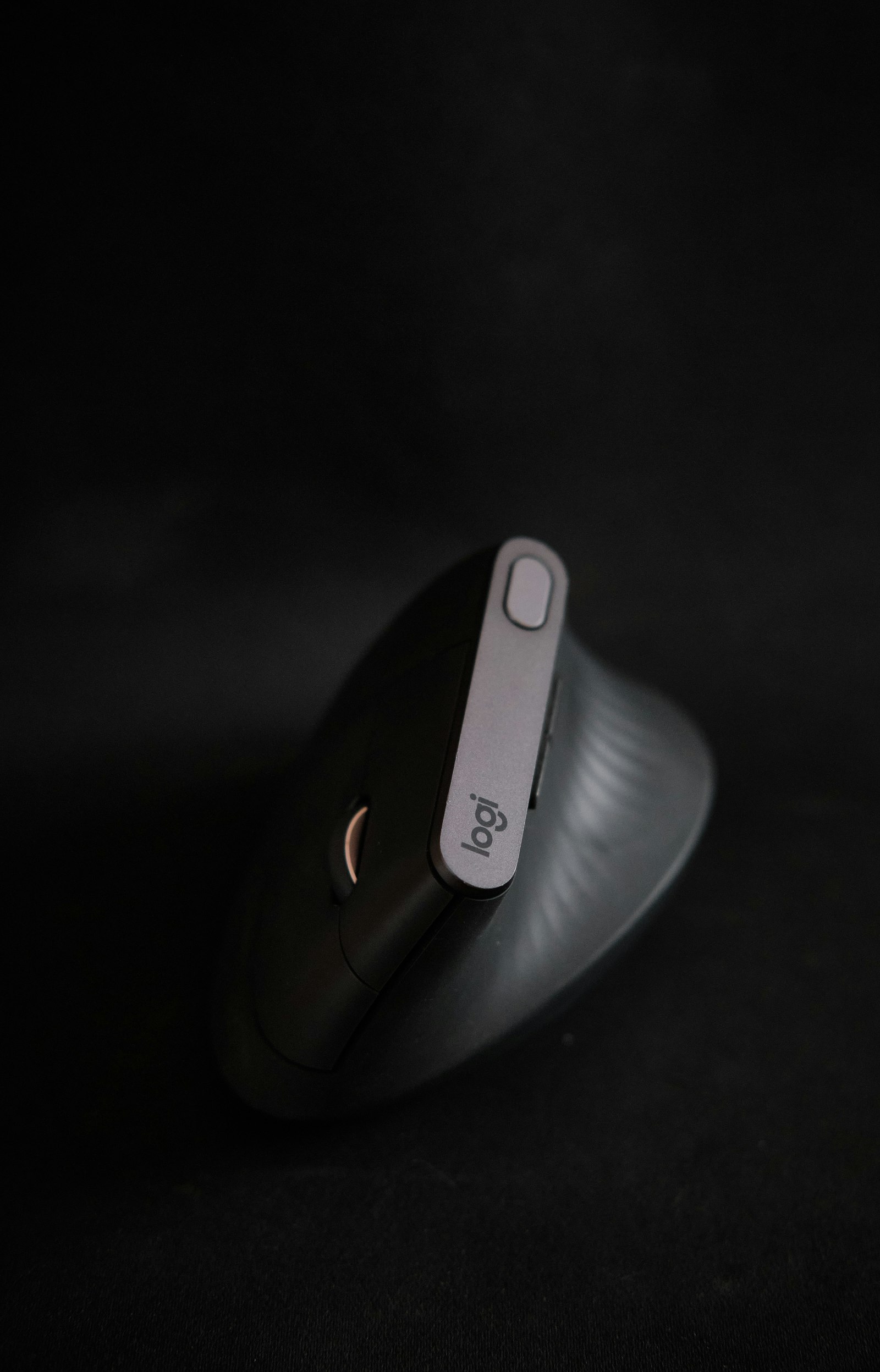
Is a vertical mouse enough?
Not if the mouse is still too far away, the desk is too high, or symptoms include numbness and weakness. Device changes work best after height, reach, and pressure are fixed.
Should I stop working completely?
That depends on severity and medical guidance. At minimum, reduce the triggering dose, avoid pushing through symptoms, and get assessed if red flags are present.
Sources
- Mayo Clinic: Carpal Tunnel Syndrome Symptoms and Causes
- AAOS: Ulnar Nerve Entrapment at the Elbow
- OSHA: Computer Workstations - Keyboards
- OSHA: Computer Workstations - Pointer/Mouse
Medical Disclaimer
This article is for educational purposes only and is not medical advice. It does not diagnose, treat, cure, or prevent any condition. If you have severe pain, numbness, tingling, weakness, swelling, worsening symptoms, or symptoms that interfere with work, sleep, or daily tasks, seek care from a qualified clinician.