By Posture Reminder AI
Published by Posture Reminder AI
Desk Ergonomics With Hypermobility: Support, Movement, and Why Standard Advice Can Backfire
Standard desk advice often assumes that your joints become uncomfortable because they are in the wrong position. With symptomatic joint hypermobility, the problem may be different: a position can look tidy while your muscles work hard to keep mobile joints stable. “Sit up straight” may lead to bracing, locked knees, pulled-back shoulders, or an end-range posture that feels worse.
Quick summary
Summarize this blog with AI
Standard desk advice often assumes that your joints become uncomfortable because they are in the wrong position. With symptomatic joint hypermobility, the problem may be different: a position can look tidy while your muscles work hard to keep mobile joints stable. “Sit up straight” may lead to bracing, locked knees, pulled-back shoulders, or an end-range posture that feels worse.
The goal is not to find one perfect shape. It is to reduce unnecessary effort, support the body before fatigue builds, and make movement small and frequent enough to be tolerable. This article applies to people who know or suspect that joint hypermobility affects desk work. Hypermobility alone is common and is not the same as hypermobile Ehlers-Danlos syndrome or another diagnosis; the NHS overview of joint hypermobility syndrome explains when flexible joints are accompanied by symptoms.
Key Highlights
- Use support to reduce muscular effort, not to force every joint into a textbook angle.
- Avoid hanging on ligaments or repeatedly resting at the end of your available range.
- Alternate supported positions before pain or fatigue spikes.
- Change one workstation variable at a time and evaluate it over several work sessions.
- Occupational therapy or physiotherapy can help when ordinary ergonomic advice repeatedly fails.
Why Generic Ergonomic Advice Can Backfire
A 90-degree diagram is a starting point for fitting equipment, not a posture you must hold. For a person with symptomatic hypermobility, forcefully maintaining that diagram can demand continuous muscle activity. Pulling the shoulders “down and back” may strain the front of the shoulder. Locking the knees while standing can place the joints at end range. Sitting without back support can turn the entire day into a low-level endurance exercise.
The opposite extreme can also be uncomfortable. Collapsing deeply into a chair, tucking one foot under the body for hours, or leaning on one elbow may provide immediate stability while concentrating load on a few tissues. The answer is not to ban those positions. It is to notice whether they are your only source of stability and whether you stay there beyond your comfortable tolerance.
Useful ergonomics should make work easier. If an instruction increases pain, shaking, breath-holding, or the feeling that you must constantly police your body, step back. Support and pacing may be more relevant than stricter alignment.
Supported and Variable Beats Rigid and Perfect
Start from two principles: give the body somewhere to rest, and keep more than one acceptable position available. The OSHA computer-workstation guidance describes neutral positions as ranges and encourages position changes. That flexibility is especially useful when one static setup is hard to tolerate.
A supported position might include the backrest carrying some trunk weight, feet resting on the floor or a stable footrest, and forearms lightly supported without pushing the shoulders upward. A second position might use a small recline, a different foot position, or a brief supported stand. Neither has to be photographically perfect.
Try to remain in the middle of your comfortable range rather than forcing joints to their limit. “Soft” does not mean actively bending every joint. It means avoiding a habitual hard lock while using enough external support that your muscles do not have to hold you upright alone.
A Seven-Step Workstation Setup
1. Begin with the seat and backrest
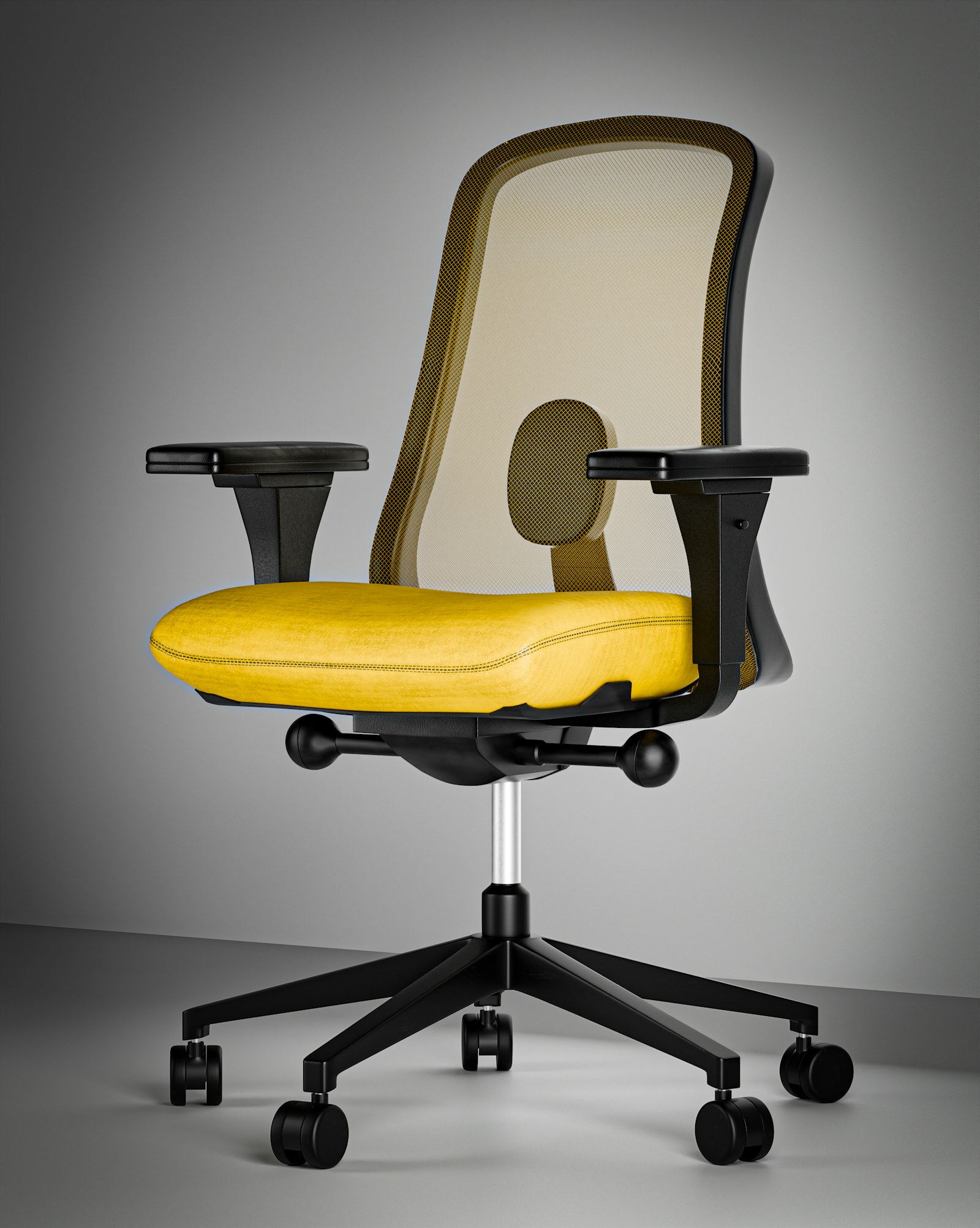
Choose a stable chair whose seat is not so deep that you must perch at the front. Sit back and check whether the backrest supports you without forcing a pronounced arch. If the lumbar curve feels too aggressive, reduce it or try a thin, removable support before buying another chair. A lightly reclined backrest can transfer some load away from the trunk muscles.
2. Support the feet without fixing them in place
If your feet do not rest easily when the keyboard is at a workable height, use a broad, non-slip footrest. It should allow several foot positions rather than demanding one exact angle. Avoid pushing so firmly through the feet that the legs remain tense all day.
3. Bring input devices close
Place the keyboard and mouse where the elbows can stay near the body and the shoulders can relax. A compact keyboard may reduce reaching for the mouse. If finger, thumb, or wrist symptoms are prominent, experiment cautiously with device shape, shortcut use, pointer speed, and task rotation. One “ergonomic” mouse is not universally suitable.
4. Use forearm support carefully
Forearm support can reduce shoulder effort, but armrests that are too high can shrug the shoulders and ones that are too wide can pull the elbows away. Aim for light contact across the forearm, not pressure at the wrist or elbow. Desk-edge padding can help if the edge is hard, provided it does not increase reaching.
5. Fit the screen to the actual task
Make text large enough that you do not repeatedly move your head toward the display. Center the screen used for sustained work and place it at a distance you can see comfortably. Screen height should let you view most content without holding the neck at its end range. Someone with bifocals or a task that involves frequent reference material may need a different height from a generic diagram.
6. Create more than one supported position
Identify two or three variations before the workday begins: upright with back support, a slight recline, feet on a footrest, or a short supported stand. If a position causes numbness, joint slipping, escalating pain, or obvious fatigue, do not make it your endurance target.
7. Change only one variable at a time
Test a change across several comparable work sessions. Note comfort during work and recovery afterward. Changing the chair, keyboard, footrest, exercises, and reminder schedule together makes it impossible to tell what helped. Keep purchases returnable where possible.
Sit-Stand Desks: Use Them as a Position Option
A sit-stand desk can add variety, but standing is not automatically corrective. People with hypermobility may lock their knees, shift heavily onto one hip, grip with the toes, or fatigue quickly. Start with a short supported standing period while symptoms are calm, then sit before fatigue changes how you load the joints.
In standing, keep the keyboard close, avoid hanging on locked elbows, and consider a foot rail or low step so you can alternate one foot. Supportive footwear or a mat may help some people but will not compensate for a desk at the wrong height. If standing consistently causes dizziness, racing heart, faintness, or other systemic symptoms, stop and discuss those symptoms with a clinician rather than trying to build tolerance through willpower.
The useful ratio may be mostly sitting with brief standing, or the reverse, and it can change from day to day. Treat the desk as a way to choose, not a quota that proves you used the equipment correctly.
Movement Without Aggressive Stretching
When a joint already has more range than it can comfortably control, repeatedly pushing farther into a stretch may not address the main problem. The Ehlers-Danlos Society's physical-therapy guidance emphasizes movement control, stabilizing muscles, and low joint load, with stretching used carefully when it is appropriate for a specific restriction.
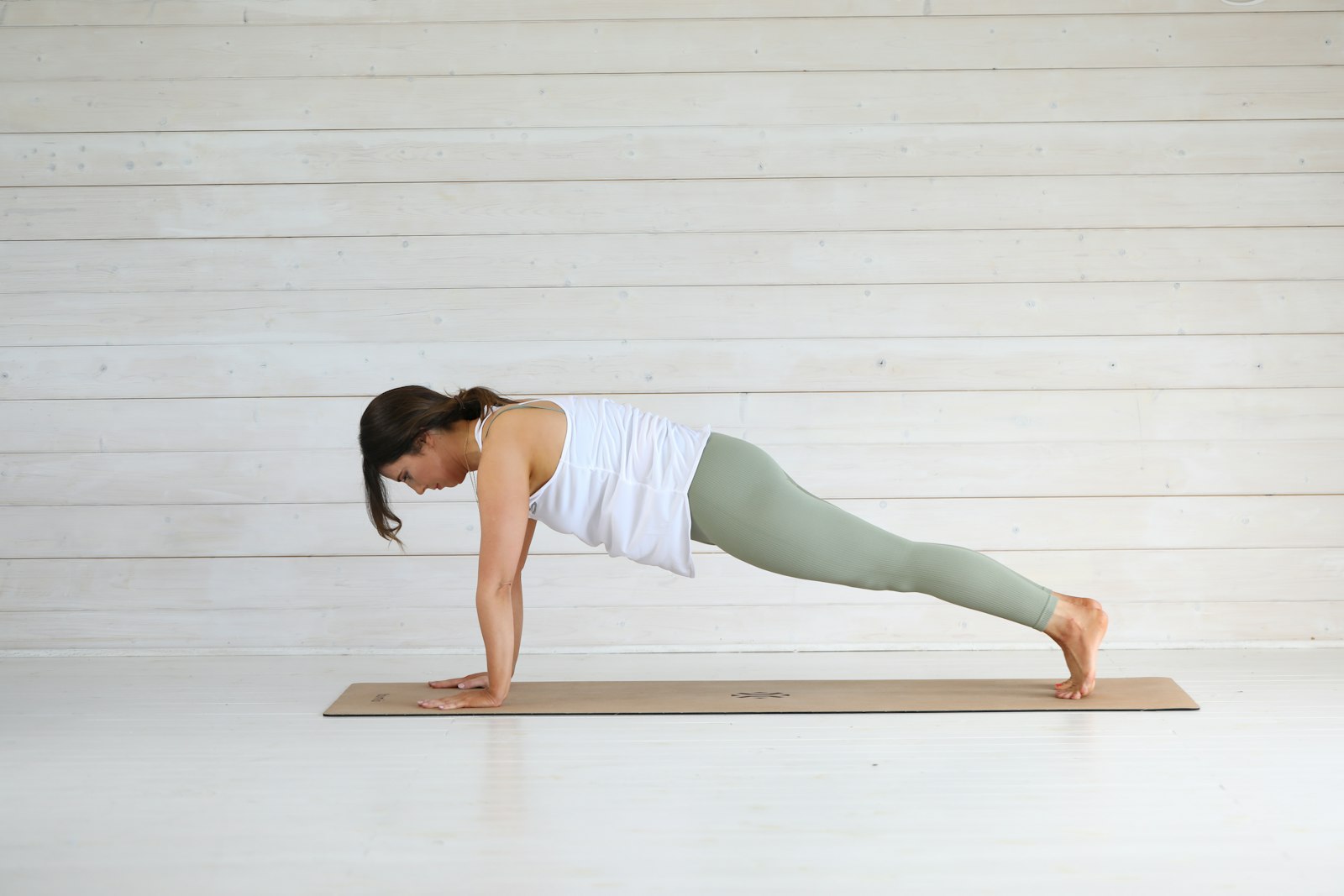
At the desk, think “change and reset” rather than “stretch as far as possible.” A movement break might be a short walk, gentle shoulder motion within a comfortable range, opening and closing the hands, changing foot support, or lying down briefly if that is part of your established management plan. Avoid using the desk edge to force a joint or repeatedly testing how far it moves.
If exercise routinely triggers joint instability, significant pain, or prolonged symptom flares, generic videos are a poor substitute for individual guidance. A physiotherapist familiar with symptomatic hypermobility can help choose an appropriate starting load and progression.
Pacing a Workday Before Fatigue Snowballs
Pacing means balancing activity and recovery so that you do not alternate between doing everything on a good day and being unable to function afterward. NELFT's hypermobility guidance recommends balancing activities, using breaks, and gradually building activity rather than pushing through until symptoms spike.
Try a simple work-cycle experiment:
- Estimate how long you can do the task on an ordinary day before posture becomes effortful or symptoms clearly rise.
- Set the first position change a little earlier than that point.
- Use a brief recovery action that you can repeat, not an intense routine that disrupts the whole day.
- Keep the cycle stable for several days before lengthening it.
- On a flare day, reduce the dose instead of abandoning all movement or forcing the usual schedule.
Alternate physical demands when possible. A call taken in a supported recline, a short voice-dictation block, or a document reviewed away from the main workstation may redistribute effort. The aim is not inactivity; it is a workload your body can recover from.
Using Reminders Without More Body Policing
A reminder should offer a choice, not order you into a rigid pose. Time-based prompts can work well when your main risk is losing track during focused work. Position-aware prompts may be useful if they are calibrated to your comfortable, supported baseline and delayed long enough to ignore ordinary movement.
Posture Reminder AI can provide personalized, on-device cues for sustained changes at a Mac. For someone with hypermobility, configure it as a flexible check-in: notice support, unlock an unnecessarily braced joint, change position, or dismiss the prompt if you are comfortable. It is not a medical tool and cannot decide whether a position is safe for a particular joint.
Reduce or stop reminders if they make you brace, repeatedly “correct” harmless movement, or become anxious about posture. A useful cue should reduce cognitive load. It should not make your body another dashboard you must continuously optimize.
When Professional Ergonomic or Clinical Help Is Worth It
An occupational therapist can connect workstation demands with daily activities, energy, hand function, and practical adaptations. A physiotherapist can assess movement, strength, control, and a gradual exercise plan. A workplace ergonomist may help with equipment fit and task design. Experience with hypermobility is valuable because recommendations designed for ordinary flexibility may need adjustment.
Bring specifics: which joints are symptomatic, which tasks trigger fatigue, how long you tolerate positions, what equipment you tried, and what happens later that day. Photos of the workstation and a short work diary can make an appointment more productive.
Seek medical assessment for persistent or worsening symptoms, recurrent dislocations or suspected subluxations, significant functional loss, or symptoms you do not understand. The Northamptonshire Healthcare NHS musculoskeletal information also provides routes to self-management resources and clinical services; use the local pathway available where you live.
Urgent Symptoms Are Not an Ergonomics Problem
Get urgent medical help for new weakness, loss of coordination, new numbness around the groin or saddle area, loss of bladder or bowel control, chest pain, serious injury, or other sudden severe symptoms. Call your local emergency service when symptoms may be an emergency. Do not try to solve neurological or systemic warning signs with a new chair, posture cue, or stretching routine.
Frequently Asked Questions
What is the best office chair for hypermobility?
There is no single best model. Prioritize fit, stable and adjustable support, a usable seat depth, a backrest you can rest against, and a return policy. Your tasks, body dimensions, symptomatic joints, and preferred position changes matter more than a label.
Should I always sit with both feet flat?
No. Both feet supported can be a useful low-effort option, but you do not need to freeze there. Change among comfortable, supported positions. If you tuck or cross your legs for stability, vary the side and duration and investigate whether the chair or foot support is a poor fit.
Should hypermobile people avoid stretching?
Not necessarily. Stretching may be appropriate for a specific restriction, but indiscriminate end-range stretching can be unhelpful for some people with symptomatic hypermobility. Individual advice from a knowledgeable clinician is safer when you have instability or recurrent flares.
How often should I change position?
There is no universal interval. Change before fatigue or symptoms climb sharply, using a repeatable schedule based on your current tolerance. Shorten the interval on a difficult day and progress gradually when recovery remains stable.
Can a posture app tell when a joint is subluxing?
No. A posture app may estimate visible position, but it cannot diagnose a subluxation, test joint stability, or assess tissue injury. Seek appropriate clinical advice for suspected instability or injury.
Medical Disclaimer
This article provides general educational information and is not medical advice, diagnosis, or an individualized rehabilitation plan. Hypermobility presentations vary substantially. Consult an appropriately qualified healthcare professional about persistent, severe, worsening, or unexplained symptoms and use local emergency services for urgent warning signs.