By Posture Reminder AI
Published by Posture Reminder AI
Balance Board or Anti-Fatigue Mat for a Standing Desk? Choose for Your Work
If standing at your desk feels tiring or restless, an anti-fatigue mat and a balance board can look like competing solutions. They solve different practical problems. A mat changes the surface under your feet. A board introduces movement that you must manage while working.
Quick summary
Summarize this blog with AI
If standing at your desk feels tiring or restless, an anti-fatigue mat and a balance board can look like competing solutions. They solve different practical problems. A mat changes the surface under your feet. A board introduces movement that you must manage while working.
Start with the task you want to make easier: reading comfortably, typing without distraction, or changing position during calls. Neither purchase needs to become an all-day commitment, and neither earns its place by promising to fix your posture.
Choose for the problem you actually have
| What bothers you? | Useful first comparison | What would count against buying? |
|---|---|---|
| The floor feels hard during otherwise comfortable standing. | A suitable stable mat versus your current surface, with the same footwear and task. | The mat slips, catches your feet, or makes standing feel less settled. |
| You feel restless and want optional movement during light work. | Ordinary position changes first; then a suitable board if you still want one. | You spend more attention balancing than doing the task. |
| Accurate clicking, drawing, or detailed editing is difficult while moving. | A stable standing surface or supported sitting. | You grip the desk, brace your arms, or repeatedly redo inputs to compensate. |
| You want relief from persistent pain or a change in pelvic alignment. | Assessment of the problem and your workstation, rather than a board purchase. | The buying decision depends on a treatment claim the evidence does not establish. |
You can also choose neither. A standing desk already lets you change working height. A clear floor, a comfortable seated option, and opportunities to leave the screen may meet your needs without another accessory to move out of the way.
What balance-board research actually shows
A 2018 randomized crossover study tested 30 healthy adults with sedentary jobs during three 30-minute typing conditions: sitting, standing, and standing on a balance board. Average energy expenditure was 1.27, 1.42, and 1.48 calories per minute, respectively. The measured typing outcomes did not differ significantly between conditions. Fatigue increased during each condition. Reported pain also rose during the board condition before leveling off.
That is evidence about short laboratory sessions, not proof of all-day comfort. It does not establish that a board treats back pain, corrects anterior pelvic tilt, delivers meaningful weight loss, or improves every kind of computer work. Nor should the result for one tested arrangement be transferred to every rocker, wobble board, slackline board, or roller platform.
Enjoyment can justify trying a suitable board. A promised medical benefit should not justify tolerating discomfort.
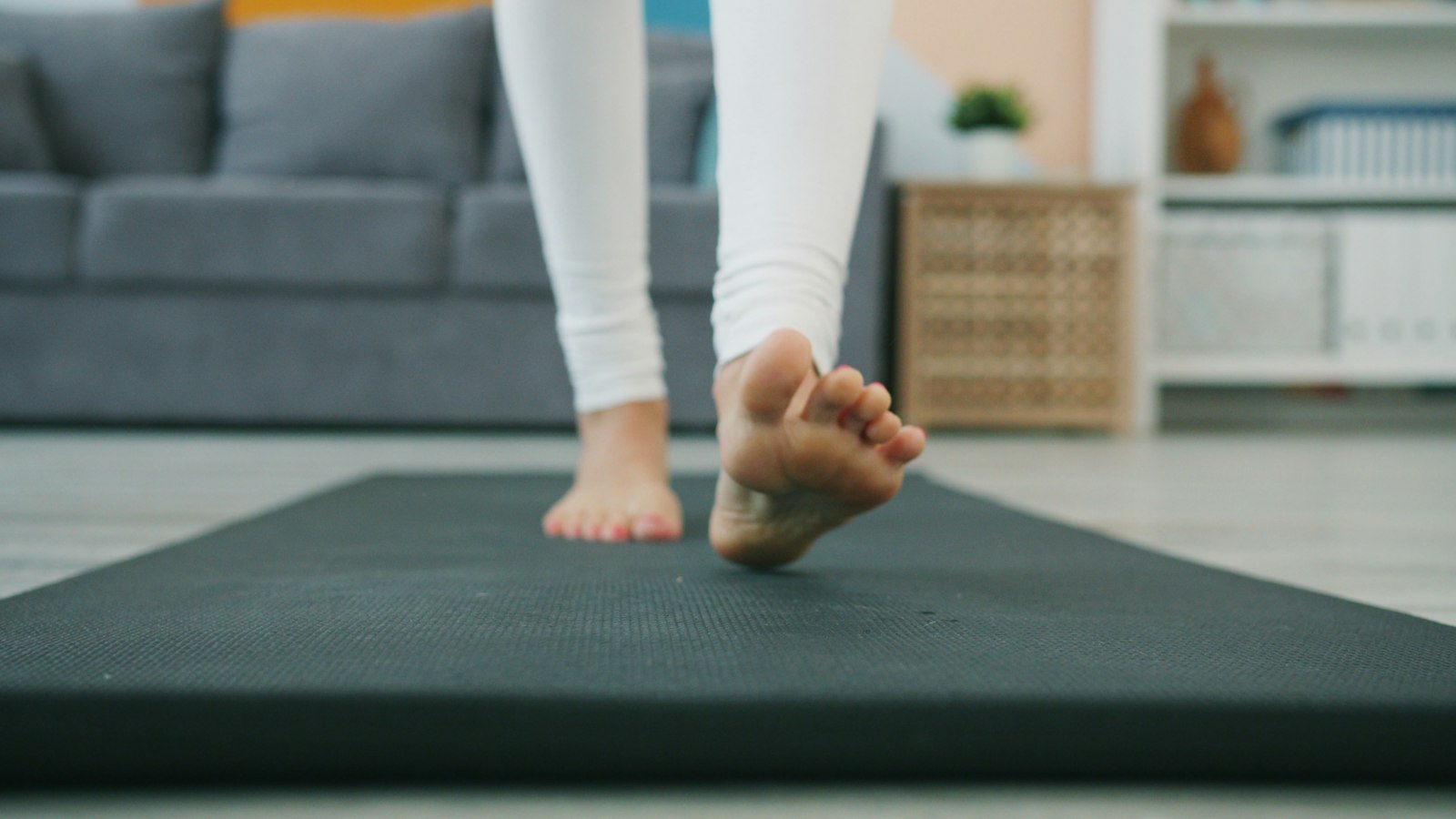
If you want cushioning, evaluate the mat
CCOHS guidance on anti-fatigue mats treats the mat as one part of work design, alongside footwear, flooring, and opportunities to change position. It cautions that greater softness or thickness is not automatically better. The surface should have some resilience without making comfortable standing difficult, and the mat should not slip or create a trip hazard.
Before ordering, mark out the proposed footprint on your floor. Can you step back normally, pull your chair into place, and use the desk's sitting position without balancing a chair caster on the edge? Where will the mat go when you do not want it? These ordinary transitions matter as much as the first pleasant minute on a sample.
If you work barefoot, test the texture you will actually touch. A product photo cannot tell you whether a raised pattern feels comfortable to your feet. Avoid adding a second loose layer to solve a texture problem; choose a surface you can use as intended.
If you want a board, check the whole setup
“Balance board” describes different mechanisms. A board that rocks mainly from side to side is a different task from one that tilts in several directions or moves over a separate roller. Check the exact product's intended use, user limits, floor requirements, footwear instructions, condition checks, and method for getting on and off. Do not assume a gym accessory is designed for divided attention at a workstation.
For example, the UPLIFT Rocker-X instructions specify a firm, level surface, stable support while learning, and no jumping or bouncing. Its instructions also distinguish footwear and accessory requirements. Those are product-specific directions, not a universal instruction sheet or an endorsement.
Plan a clear step-off space before placing a board beneath the desk. Keep cables, chair legs, drawers, and loose objects out of that space. Do not stack a board on improvised risers or an unrelated soft mat. If the instructions or available space leave you uncertain about safe use, resolve that before a trial.
Then recheck working height. The board lifts you relative to the keyboard and screen; an old standing preset may now be too low. Settle into the intended working position and check whether your shoulders can relax, your inputs remain easy to reach, and you can read without bending toward the display. Use our monitor and keyboard height guide if changing one makes the other awkward. If the desk cannot accommodate the added height, that board does not fit this workstation.
Compare real tasks without pushing through
Treat this as a practical equipment comparison, not a rehabilitation program. Learn to get on and off according to the instructions before adding work. If you have a balance problem, dizziness, a recent injury, or another condition that makes an unstable surface uncertain, get individualized advice first.
- Record a stable baseline. Choose a familiar task and note foot comfort, concentration, and whether you can work without leaning on the desk.
- Try a short, low-stakes task. Use the same task on the new surface. Start with work you can pause immediately, rather than a deadline, live presentation, or precise drawing session.
- Check the tradeoff. Is the movement pleasant, or are you catching yourself, gripping furniture, making repeated input errors, or thinking mainly about balance?
- Stop at the first poor fit. Pain, tingling, dizziness, instability, or increasing fatigue are reasons to step off safely. They are not proof that an accessory is strengthening you.
- Check afterward. Compare how you feel when you return to ordinary work. A trial that feels entertaining but leaves new discomfort is not a successful match.
Keep your usual chair and stable standing area available. A board can be acceptable for one task and inconvenient for another. You do not need to make it work for every email, call, or spreadsheet to justify having tried it.
Keep position changes in the plan
CCOHS sit-stand guidance emphasizes alternating positions as needed, allowing time to adjust, and keeping breaks away from the computer. It does not prescribe one standing schedule for everyone. A new surface is not a reason to replace a tolerable routine with hours of uninterrupted standing.
If standing itself is already uncomfortable, address that before comparing boards. Our standing-desk foot-pain guide and knee-pain guide cover the surrounding setup and workload questions. For the habit side, use the microbreak guide. Persistent or worsening symptoms deserve assessment rather than a sequence of accessory purchases.
Common board and mat questions
Can I use a board barefoot or in socks?
Follow that product's instructions. Grip, surface texture, and approved accessories differ. Barefoot preference does not make a smooth board suitable, and socks can change how securely your feet contact it.
Will a board fix anterior pelvic tilt?
The study does not establish that. If pain or function is the concern, seek advice about those problems instead of buying equipment to change a visual label.
Should I buy both?
Only if each has a clear role and you have room to use and store it safely. A good starting decision may be a stable mat for ordinary work and no board at all. Buy for a demonstrated need, not to complete a setup picture.