By Posture Reminder AI
Published by Posture Reminder AI
Standing Desk Knee Pain: Why It Happens and How to Keep the Desk
A standing desk can make the lower back feel better and the knees feel worse. The usual story is not a dramatic injury. It is a dull ache around one or both knees after standing through calls, an urge to shift onto one leg, or throbbing later in the day even though walking feels easier than standing still.
Quick summary
Summarize this blog with AI
A standing desk can make the lower back feel better and the knees feel worse. The usual story is not a dramatic injury. It is a dull ache around one or both knees after standing through calls, an urge to shift onto one leg, or throbbing later in the day even though walking feels easier than standing still.
The desk is rarely the whole problem. Standing time may have increased too quickly, the knees may be held rigid, body weight may drift to one side, or the floor and footwear may be less forgiving than expected. An irritated knee can also be aggravated by standing without being caused by the workstation. A sit-stand desk should give you more positions, not replace sitting with another all-day static posture.
Key Highlights
- Standing still for long blocks is different from walking and can increase lower-body fatigue and discomfort.
- Knee pain commonly appears when standing time rises faster than tolerance, especially with locked knees, one-sided leaning, hard floors, or unsupportive footwear.
- The best first step is shorter standing blocks mixed with sitting and brief walking, not forcing an ideal sit-to-stand ratio.
- An anti-fatigue mat or supportive shoes may improve comfort, but neither fixes a poor schedule, uneven stance, or an underlying knee problem.
- Swelling, locking, giving way, redness, marked warmth, trauma, or pain that keeps worsening needs medical assessment.
What to Do Today
- Cut standing blocks to a duration that does not increase knee pain; five to ten minutes per hour is a reasonable restart for many people.
- Alternate sitting, standing, and a short walk instead of standing until you are tired.
- Stand with knees relaxed, not locked and not held in a shallow squat.
- Center your weight over both feet and stop leaning on one hip or bracing against the desk.
- Test supportive shoes and, if appropriate, an anti-fatigue mat on a stable level surface.
- Use a small footrest or rail to change stance during short periods, alternating sides rather than camping on one leg.
Why Standing Still Can Irritate the Knees
Walking continuously changes joint angles and shares work across muscles. Standing at a computer often does the opposite. The feet stay planted, the eyes stay fixed on the screen, and the body finds one low-effort position. Some people lock the knees backward. Others shift almost all their weight to one leg, rotate a foot outward, or lean the pelvis into the desk.
Those positions are not automatically harmful for a few moments. The problem is duration and repetition. A posture that feels easy at minute three can become the same concentrated load at minute thirty. NIOSH has reported that prolonged occupational standing is consistently associated with lower-back and leg discomfort, fatigue, muscle pain, and leg swelling. The practical lesson is not that standing is bad. It is that prolonged, static standing is not the goal.
A standing desk can also expose an existing knee issue. If stairs, squats, getting up from a chair, running, or long walks already bother the knee, the workstation may be adding load to a sensitive joint rather than creating a purely ergonomic problem. That distinction matters because desk adjustments may help tolerance without treating the underlying cause.
The Six Most Common Standing-Desk Knee-Pain Drivers
- Too much, too soon: moving from almost no standing to hours per day is a workload jump, even if standing does not feel like exercise.
- Locked knees: pushing the knees fully back can concentrate effort and make small position changes less likely.
- One-sided leaning: resting on one hip or always using the same foot on a rail keeps load asymmetric.
- Hard or uneven footing: concrete, tile, a sloped floor, or an unstable mat can make comfortable stance changes harder.
- Footwear mismatch: worn-out, very unsupportive, or uncomfortable shoes can change how the feet and knees share standing load.
- Desk and screen mismatch: a keyboard that is too high or a screen that is off-center can make you brace, reach, twist, or lean while standing.
Run This Five-Minute Standing Setup Check
Raise the desk until the keyboard and mouse are near elbow height with the shoulders relaxed. Keep the mouse close and the wrists roughly in line with the forearms. Position the monitor so you can read without leaning toward it or lifting the chin. If separate monitor and keyboard height needs conflict, solve them independently with a monitor arm, stand, or separate input tray.
Then look down at your feet. They should have enough room for small stance changes. Do not wedge the walking pad, mat, storage, and chair base into a space so tight that one stance becomes mandatory. Confirm that the floor and mat are level and stable.
Finally, notice the knees without forcing them into a pose. They should feel relaxed rather than pushed backward. Let your weight stay near the middle of both feet. If you use a footrail, switch feet regularly. The rail is a position-change tool, not a permanent place for the same foot.
For the upper-body side of the setup, use the sit-stand monitor and keyboard height guide.
A Two-Week Return-to-Standing Plan
Use symptoms, not pride, to set the starting dose. If the knees currently hurt after twenty minutes, restart well below that threshold. For the first three days, try five to ten minutes of standing once each hour or two. Sit before discomfort builds, then take a brief walk when practical.
From days four through seven, add a few minutes to selected blocks only if pain during the block stays mild and returns to baseline shortly afterward. Keep at least one shorter block late in the day, when fatigue makes leaning and knee locking more likely.
During week two, progress either the length or the number of standing blocks, not both at once. There is no prize for reaching a 50:50 schedule. Some people feel best with frequent five-minute changes; others tolerate twenty to thirty minutes. CCOHS notes that recommendations vary widely and emphasizes alternating as needed while allowing time to adjust.
If symptoms are worse the next morning, return to the last comfortable level. If even short standing blocks reliably aggravate the knee, stop increasing them and get the knee assessed rather than trying to outlast the response.
Shoes, Mats, and Footrests: What They Can and Cannot Do
Supportive footwear can reduce discomfort for some people, especially on hard floors. The best option is the shoe that feels stable and comfortable for your feet, not necessarily the softest shoe available. Excessive softness can feel unstable, while a worn-out sole can make one side load differently from the other.
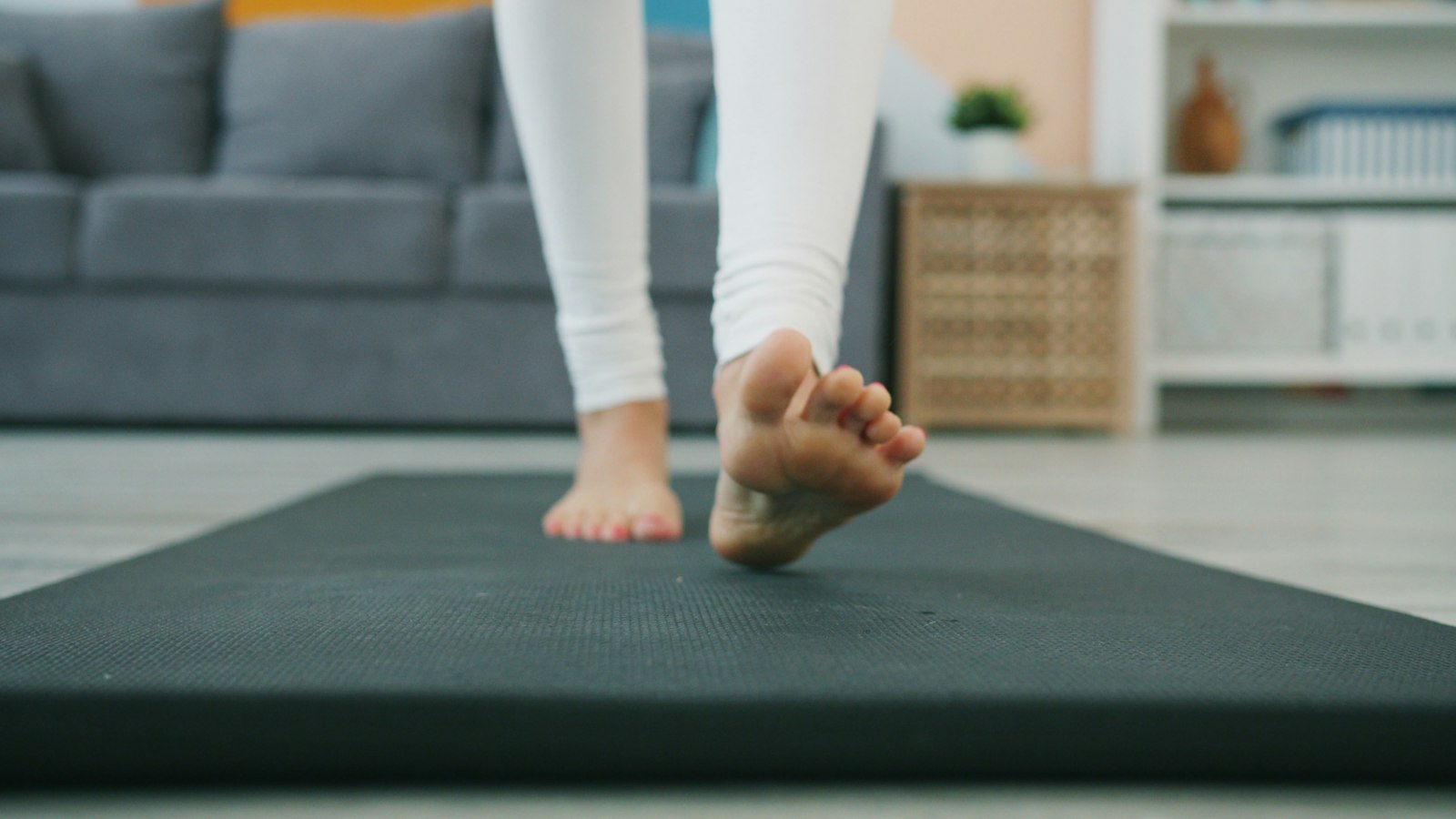
An anti-fatigue mat can make standing more comfortable and encourage small foot movements. Choose one that lies flat, does not slide, and does not create a trip edge around the chair. A mat is not a reason to double standing time immediately. Test it with the same short schedule so you know what changed.
A footrest or low rail lets you vary hip and knee position. Use it briefly and alternate sides. If placing one foot up immediately relieves the knee but symptoms return whenever both feet are down, that is useful information, not proof that you should spend the whole day twisted around the rail.
Standing, Walking, and Sitting Are Different Tools
Standing is useful because it changes position and makes movement easier to initiate. Walking adds repeated muscle activity and joint motion that quiet standing does not. Sitting unloads the feet and knees but can become uncomfortable when held too long. A good workday uses all three according to the task and your tolerance.
Try standing for short calls, sitting for precise keyboard work, and walking for breaks that do not require a screen. If you use a walking pad, start slower and shorter than you think you need. Walking while typing changes balance and visual demands, so it is not automatically the right choice during a knee flare.
The desk should also return to sitting height easily. Saving tested height presets reduces friction. If every transition requires a full ergonomic rebuild, you are more likely to leave the desk in one position all day.
Common Mistakes That Keep the Knees Irritated
- Standing until pain appears, then sitting for the rest of the day.
- Assuming a thick mat makes unlimited standing safe or comfortable.
- Locking the knees because “straight” feels more postural.
- Leaning on the same leg or keeping the same foot on a rail for every block.
- Raising the desk for the elbows but leaving the monitor too low or too far away.
- Ignoring worn shoes, a sloped floor, or a mat that rocks under load.
- Treating standing as rehabilitation for a knee problem that has not been assessed.
When Knee Pain Needs Medical Evaluation
Get prompt medical care for significant swelling, inability to bear weight, a knee that locks or gives way, marked redness or warmth, fever, deformity, or pain after a fall or other injury. Seek evaluation for progressive pain, night pain, symptoms that persist away from the desk, or pain that is changing how you walk. These warning signs align with Mayo Clinic guidance on when knee pain needs medical care.
For less urgent symptoms, a clinician or physical therapist can help distinguish a workload problem from a knee condition that needs specific care. Bring a simple history: when pain starts, where it is felt, how long it lasts, what walking and stairs do, and whether shorter standing blocks change it. That is more useful than saying only that the standing desk hurts.
Frequently Asked Questions
Should I stop using my standing desk if my knees hurt?
Stop the aggravating dose, not necessarily the desk. Return to short, comfortable blocks mixed with sitting and walking. If even brief standing worsens symptoms or red flags are present, get medical guidance.
Should my knees be bent while standing?
Keep them relaxed rather than locked backward. You do not need to hold a visible bend or shallow squat, which creates its own fatigue.
Will an anti-fatigue mat fix standing-desk knee pain?
It may improve comfort on hard floors, but it will not fix excessive standing time, one-sided leaning, poor desk height, or an underlying knee problem.
How long should I stand each hour?
There is no universal ratio. Start below the duration that triggers symptoms and increase gradually only when you return to baseline. Frequent short changes are often easier to tolerate than a few long blocks.
Related Reading
- Standing Desk Foot Pain: How to Transition Without Swapping One Problem for Another
- Standing Desk Lower Back Pain: Why Standing Still Can Still Hurt
- Sit-Stand Desk Monitor and Keyboard Height: How to Fix One Without Breaking the Other
Sources and Further Reading
- Canadian Centre for Occupational Health and Safety: Sit/Stand Desk
- Canadian Centre for Occupational Health and Safety: Working in a Standing Position
- NIOSH: Prolonged Standing at Work
- OSHA Computer Workstations eTool
- Mayo Clinic: Knee Pain Symptoms and When to Seek Care
Medical Disclaimer
This article is for educational purposes only and is not medical advice. It is not intended to diagnose, treat, cure, or prevent any condition, and it does not replace care from a physician, physical therapist, or other qualified clinician. If you have severe pain, swelling, locking, giving way, redness, warmth, weakness, worsening symptoms, or questions about your specific situation, seek professional medical evaluation.