AI Posture Reminder won't start or can't see me. How do I fix it?
Last updated March 15, 2026
This is usually a camera permission issue.
- Open the Settings app on your Mac.
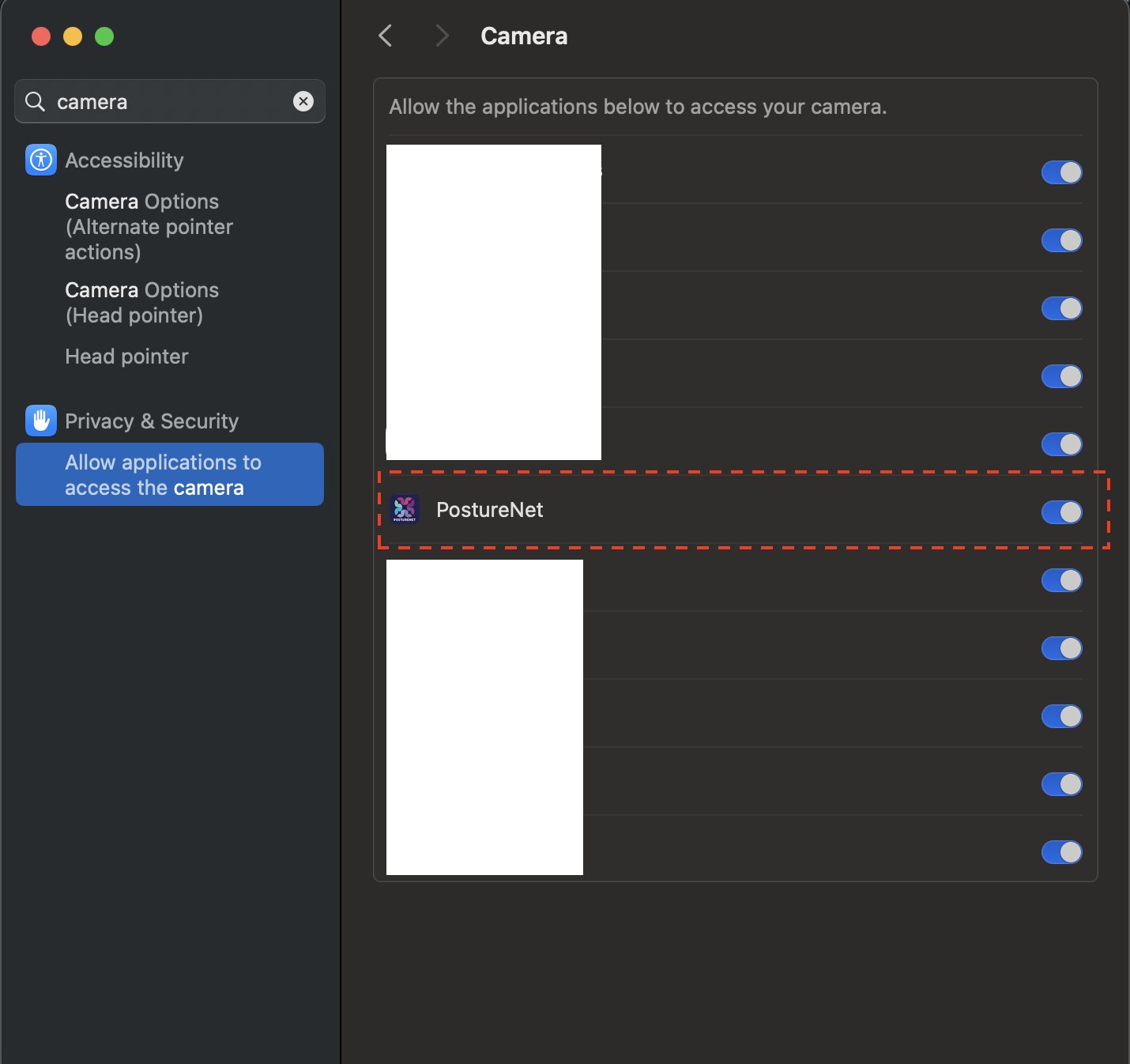
- Go to Privacy & Security > Camera.
- Make sure Posture Reminder is allowed to access your camera.
- Quit and reopen the app.
If the selected camera is disconnected or already in use by another app, reconnect it or switch cameras in Posture Reminder settings.