By Posture Reminder AI
Published by Posture Reminder AI
Walking Pad Desk Setup: How to Walk While Working Without New Pain
Updated for April 2026. A walking pad can help when a standing desk still leaves you stiff, restless, or stuck in one position. It can also create foot pain, neck strain, typing problems, and inconsistent use if the setup is rushed.
Quick summary
Summarize this blog with AI
Updated for April 2026. A walking pad can help when a standing desk still leaves you stiff, restless, or stuck in one position. It can also create foot pain, neck strain, typing problems, and inconsistent use if the setup is rushed.
The goal is not to walk all day. The goal is to add low-friction movement to the parts of work where walking helps more than it distracts.
Quick Takeaways
- A walking pad is best treated as movement variety, not as intense exercise during work.
- Start with short blocks, low speed, and low-stakes tasks before trying deep work.
- Desk height, monitor height, keyboard reach, and treadmill position matter more once your body is moving.
- If walking causes foot, calf, hip, neck, or focus problems, reduce the dose before blaming the whole idea.
Quick Decision Table
| Situation | Recommendation | Why |
|---|---|---|
| You sit 8 to 10 hours and feel stiff by afternoon | Try short walking blocks | Movement may help more than another static position. |
| Standing still already hurts your feet | Fix standing dosage first | Walking can add load before the feet are ready. |
| You do precision design, coding, or spreadsheet work | Walk during lower-stakes tasks first | Mouse accuracy and typing quality often drop while learning. |
| You have video calls all day | Sit or stand for calls, walk between them | Camera framing and attention are usually worse while walking. |
| You have dizziness, numbness, weakness, or worsening pain | Do not self-experiment through it | That is a clinician question, not a desk accessory question. |
Why standing alone often is not enough
Standing can help people escape long sitting blocks, but standing still is still static. Many desk workers feel better when they alternate sitting and standing, then feel better again when some of those standing blocks include slow movement.
That fits the broader ergonomics principle from CDC/NIOSH: work-related musculoskeletal disorders are influenced by sustained force, repetitive motion, awkward postures, duration, and other risk factors. The CDC's ergonomics overview frames ergonomics as fitting work demands to human capabilities, which is more useful than searching for one perfect posture.
A walking pad gives you another option. It does not erase a low monitor, high keyboard, bad shoes, poor sleep, too much workload, or all-day overuse.
Set the workstation before you walk
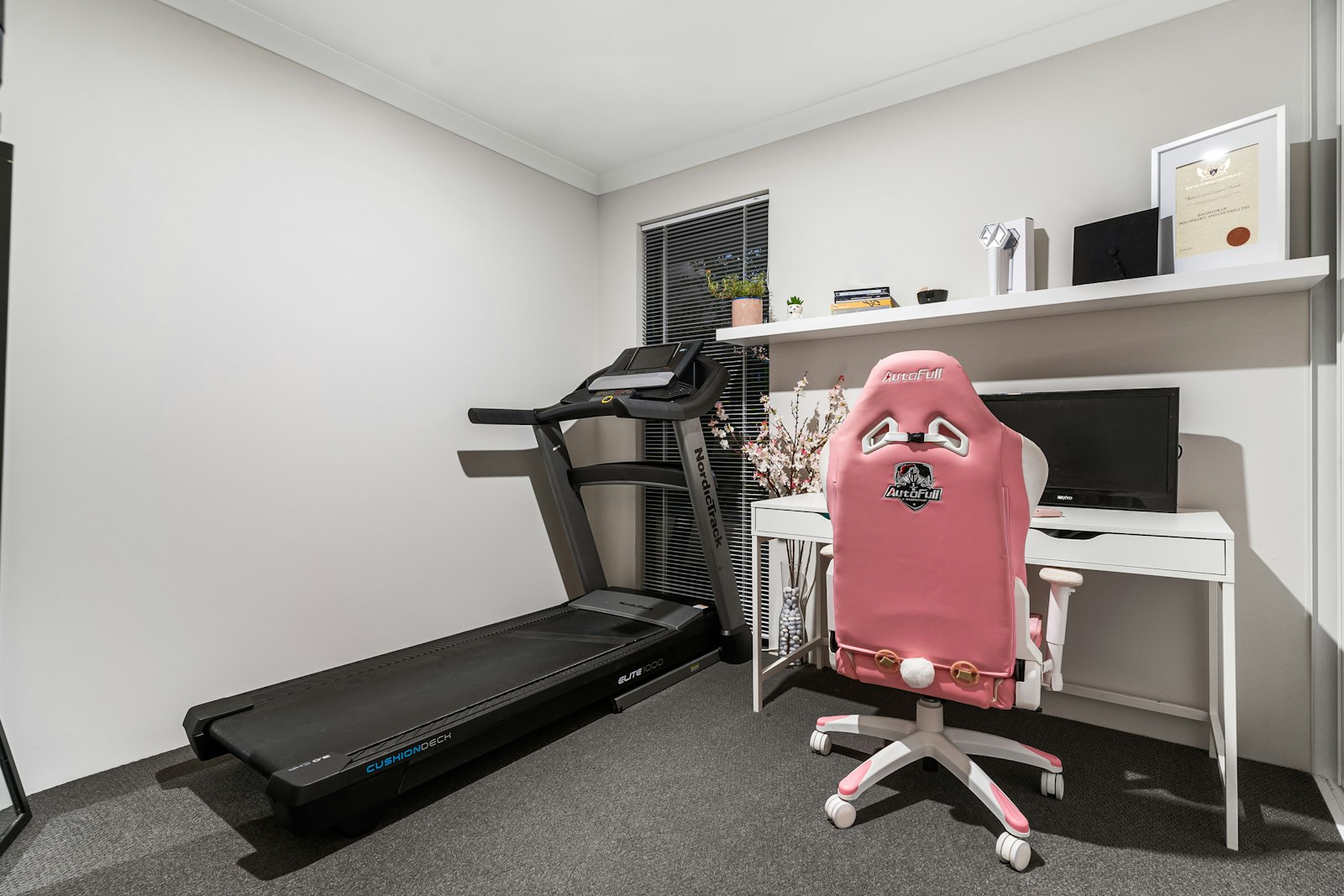
Walking exaggerates small setup mistakes. If your monitor is low while standing, it will pull your neck down even more while walking. If your keyboard is too far away, your shoulders may brace while your feet move. If the treadmill is not centered under the desk, you may twist without noticing.
Use OSHA's Computer Workstations eTool and workstation checklist as a basic geometry check. The targets are straightforward: relaxed shoulders, elbows close to the body, wrists not reaching upward, screen high enough that you are not craning, and enough room for keyboard and mouse use.
- Center the treadmill with the keyboard, mouse, and main monitor.
- Raise the desk so elbows stay near your sides without shrugging.
- Keep the monitor high enough that you do not look down while walking.
- Bring the screen close enough that you do not lean forward to read text.
- Keep the mouse surface stable; tiny pointer corrections become annoying while walking.
Task and Speed Guide
| Task | Suggested starting speed | Use walking? |
|---|---|---|
| Reading email or chat | 1.0 to 1.5 mph | Usually yes |
| Camera-off listening meeting | 1.0 to 1.8 mph | Usually yes |
| Writing a short reply | 0.8 to 1.3 mph | Maybe |
| Deep writing, coding, spreadsheets | 0 to 1.0 mph | Test carefully |
| Design, drawing, video calls, live demos | 0 mph | Usually no |
Speed is not a contest. If your shoulders lift, your typing gets sloppy, or you stare at your feet, slow down or step off.
First Week Schedule
| Day | Target | Rule |
|---|---|---|
| Day 1 | One 10-minute block | Only email or reading. |
| Day 2 | Two 10-minute blocks | Stop before foot or calf fatigue. |
| Day 3 | One 15-minute block | Check neck and shoulder tension afterward. |
| Day 4 | Two 15-minute blocks | Keep the same low speed. |
| Day 5 | One 20-minute block | Use a task you already know works. |
| Weekend or next workday | Review symptoms | Progress only if the next morning feels normal. |
Common Failures and Fixes
| Problem | Likely cause | First fix |
|---|---|---|
| Neck tension | Screen too low, speed too high, or leaning toward text | Raise/bring closer the monitor and slow down. |
| Shoulder tension | Keyboard or mouse too far away | Bring inputs closer and lower the desk if needed. |
| Foot or calf pain | Too much too soon, poor shoes, hard surface | Cut blocks in half and use better footwear. |
| Low-back irritation | Overstriding, twisting, or treadmill offset | Center the belt and shorten blocks. |
| Inconsistent use | Setup friction | Keep it positioned for one recurring task. |
| Poor focus | Wrong task type | Reserve walking for reading, meetings, or admin. |
How to avoid new foot, calf, and hip pain
Walking-pad pain is often a dosage problem. Feet, calves, hips, and low-back tissues may tolerate outdoor walks well but still dislike slow treadmill walking on a narrow belt during work tasks.
- Wear shoes that feel good for slow walking, not only for sitting at a desk.
- Do not use incline for work unless your calves already tolerate it.
- Stop blocks before symptoms build, not after.
- Alternate walking with sitting and standing instead of replacing one overuse pattern with another.
- If one side gets sore, check whether the treadmill, monitor, or mouse is offset.
If foot pain is already the issue, read Standing Desk Foot Pain before increasing walking-pad time.
How to avoid neck and shoulder pain
Walking often makes people stabilize through the neck and shoulders. That is especially common when the screen is low, the camera is low, the mouse is too far away, or the desk wobbles at standing height.
- Do not look down at a laptop screen while walking. Use a separate keyboard and mouse.
- Keep the main screen directly in front of you for walking blocks.
- Lower the speed until your jaw, neck, and shoulders can stay relaxed.
- Use keyboard shortcuts when possible so you are not chasing the pointer.
- Step off for video calls if you start craning toward the camera.
Where posture reminders fit
A walking pad adds movement, but it does not automatically prevent slouching. Some people still lean into the monitor, look down at a laptop, or tense their shoulders while walking.
Posture Reminder AI is most useful here when walking is not the active block: seated focus work, standing calls, or the transition back to sitting after movement. Use the walking pad for movement variety and use posture feedback for the moments where you stop noticing your shape at the desk.
When a walking pad is not the right first fix
A walking pad is not the best first purchase if your desk cannot rise high enough, your monitor cannot be lifted, your room has no safe clearance, your balance feels uncertain, or symptoms include dizziness, numbness, leg weakness, or pain that worsens quickly with walking.
For back pain, Mayo Clinic's when to see a doctor for back pain guidance is a useful safety reference. Get medical help sooner when back pain is worsening, follows trauma, spreads down the legs, causes weakness, tingling, numbness, fever, unexplained weight loss, bladder changes, or other concerning symptoms.
Frequently Asked Questions
Can you really focus while using a walking pad?
Yes, but not for every task. Most people do better with reading, meetings, email, and planning than with precision typing, design, coding, or live presentations.
Is a walking pad better than a standing desk?
It is not better in every situation. A sit-stand desk gives position variety. A walking pad adds movement. Many people need both options plus normal sitting.
How long should I walk during work?
Start with 10 to 15 minutes. Build only if your feet, calves, hips, and focus still feel fine later that day and the next morning.
Should I use it on video calls?
Usually no. Walking can make you lean toward the camera, bounce visually, or split attention. Stand or sit for video calls unless the meeting is informal and camera-off.
Related Reading on Posture Reminder AI
Tools That Help
- Check sit-stand desk height before walking
- Plan realistic movement blocks
- Compare your standing posture side view
Medical Disclaimer
This guide is for general education and workstation planning. It is not a diagnosis or a treatment plan. If walking increases pain, causes numbness or weakness, or feels unsafe, stop and talk with a qualified clinician.