By Posture Reminder AI
Published by Posture Reminder AI
Why You Keep Sliding Forward in Your Office Chair (and How to Fix It)
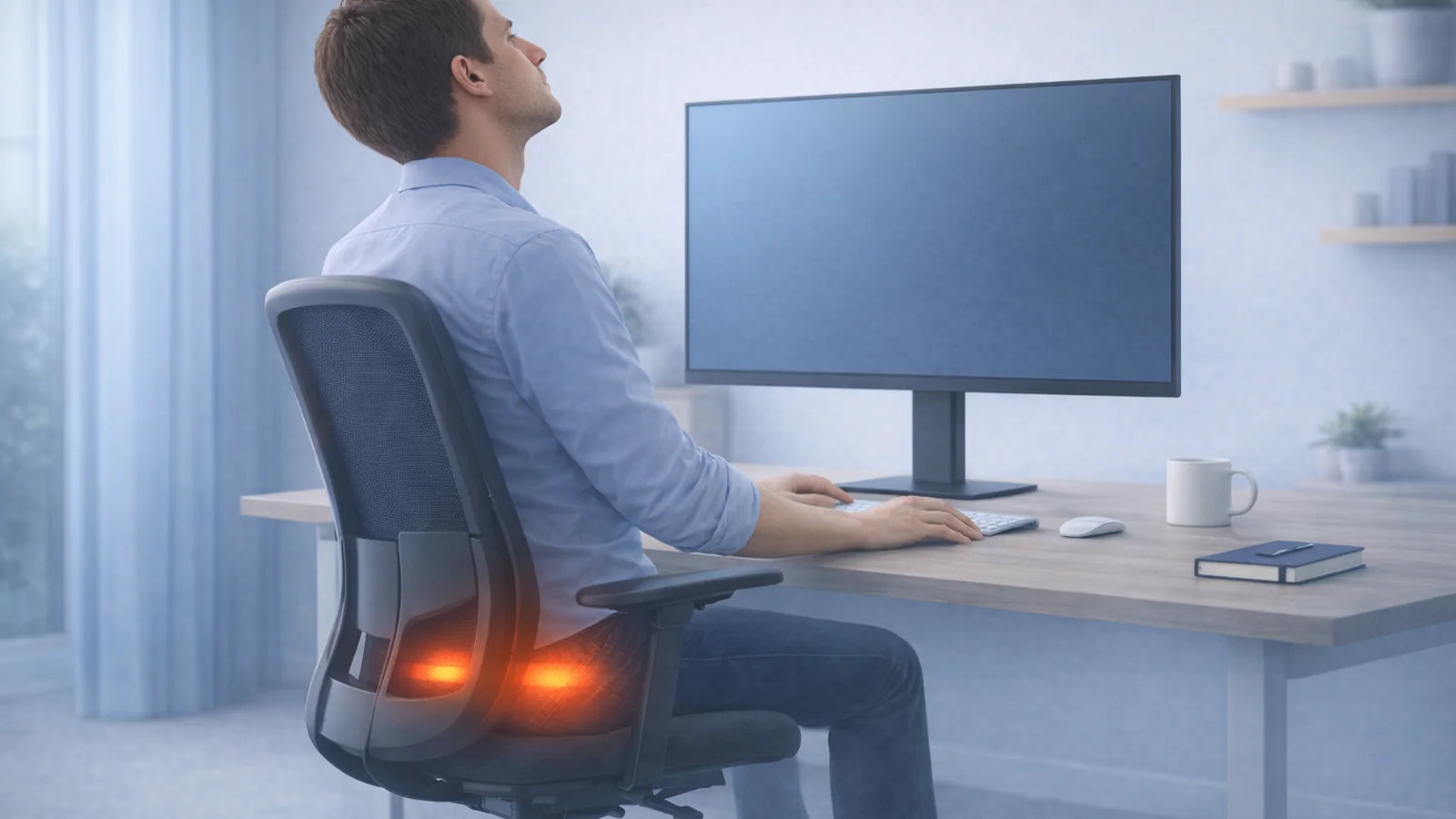
If you have to scoot back into your office chair every few minutes, the problem is not automatically weak posture or a lack of discipline. A chair can slide you forward when the seat is too high or deep, the pan slopes down, the fabric is slick, the backrest pushes the pelvis away, or the desk keeps pulling your body out of the chair.
Quick summary
Summarize this blog with AI
If you have to scoot back into your office chair every few minutes, the problem is not automatically weak posture or a lack of discipline. A chair can slide you forward when the seat is too high or deep, the pan slopes down, the fabric is slick, the backrest pushes the pelvis away, or the desk keeps pulling your body out of the chair.
Sliding forward matters because it removes backrest support and turns the pelvis into a brake. You may end up sitting on the tailbone, bracing with the feet, gripping the floor, or rounding the lower back while still feeling as if you are trying to sit properly. Before replacing an expensive chair, test the geometry in a fixed order so you can tell an adjustment problem from a chair-fit problem.
Key Highlights
- Sliding forward is usually a fit or workstation problem, not a cue to hold yourself upright harder.
- The most common drivers are excessive seat height or depth, forward seat slope, slippery upholstery, aggressive lumbar pressure, weak recline support, and desk reach.
- Adjust the chair from the floor upward: feet, seat height, seat depth, pan angle, backrest, then desk and monitor.
- A towel can be a useful short diagnostic test for surface friction, but improvised cushions are not a reliable permanent repair.
- If the chair only works when you brace, perch, or abandon the backrest, its shape or adjustment range may not fit you.
What to Do Today
- Lower the seat until both feet feel firmly supported; add a stable footrest if the desk requires a higher chair.
- Shorten seat depth so you can use the backrest without the front edge crowding the knees.
- Return adjustable seat tilt to level or a slight rearward angle for the first test.
- Reduce lumbar pressure and set recline tension so the backrest supports you without pushing you forward.
- Bring the keyboard, mouse, and monitor close enough that you do not leave the backrest to work.
- Change one setting at a time and test it for ten to fifteen minutes.
Why Sliding Forward Creates So Much Discomfort
A chair shares body weight through the seat, backrest, feet, and sometimes armrests. When the pelvis drifts forward, the backrest stops sharing as much load. The trunk rounds or braces, the feet work to stop the slide, and pressure shifts toward the tailbone, sit bones, or front edge of the seat.
That can create a confusing symptom mix: low-back fatigue, tailbone pressure, tight hip flexors, hamstring tension, foot gripping, or soreness behind the knees. The chair may feel too firm even when the deeper problem is that you cannot stay in the supported part of it.
A little forward movement is normal during focused tasks. The problem is a repeated involuntary slide that makes you reset constantly. Your goal is not to glue the pelvis to one spot. It is to make a supported range of positions stable enough that movement feels optional.
Cause 1: The Seat Is Too High
When the feet do not carry comfortable pressure, gravity pulls the thighs and pelvis toward the front edge. You may point the toes, wrap the feet around the chair base, or push against the floor to stay back. The same height can also create pressure under the thighs, especially when the seat edge is firm.
Lower the seat until the feet feel planted and the thighs are supported without strong pressure behind the knees. If the fixed desk is now too high for relaxed shoulders, raise the chair only as much as needed and add a stable footrest. A footrest should support both feet and stay put when you press on it.
Cause 2: The Seat Is Too Deep
A deep seat forces a choice: sit back and let the front edge crowd the calves, or slide forward and lose the backrest. Adjust seat depth so there is roughly a small fist or a few finger widths between the front edge and the back of the lower legs while the back is supported.
Do not assume that taller people need the seat fully extended. On some chairs, sliding the pan forward moves the seat's contour away from the backrest and leaves the pelvis on a slope or bowl edge. Test the shape, not just the published depth measurement. If shortening the pan immediately stabilizes you, the extended contour was probably part of the problem.
Cause 3: The Seat Pan Slopes Forward or Feels Slippery
A forward-sloping seat can support active tasks for some users, but it needs enough friction and foot support to keep the body from sliding out. If your chair has forward tilt, turn it off for the baseline test. Set the pan level or slightly rearward and see whether the pelvis remains supported without extra effort.
Upholstery and clothing can change the result. Smooth fabric against smooth clothing may slide far more than a textured combination. Place a folded cotton towel on the seat for a short test. If the problem changes dramatically, surface friction is relevant. Do not add a loose pad that bunches, changes seat height, or interferes with the chair mechanism as a permanent solution.
If the seat visibly slopes because foam has collapsed, mesh has stretched, or the mechanism is loose, adjustment may not solve it. Inspect the chair unloaded and loaded. A failed seat or tilt mechanism is a repair problem.
Cause 4: The Backrest or Lumbar Support Pushes You Out
Strong lumbar support can feel helpful for five minutes and act like a wedge over a full work block. If the curve contacts too low, protrudes too far, or does not match your body, it can push the pelvis away from the backrest. A rigid upper backrest can also round the shoulders forward and make you escape toward the front of the seat.
Reduce lumbar depth, move the support up or down, or temporarily remove an optional lumbar insert. Set recline tension so the backrest gives slightly without dropping away. You should be able to rest against it without being launched forward or having to press backward continuously.
If every backrest setting creates the same wedge, the back shape may not fit your torso and pelvis. That is a legitimate chair mismatch, not a posture failure.
Cause 5: Recline and Seat Motion Do Not Match
Chairs recline in different ways. Some move the backrest while the seat stays nearly level. Others tilt the seat and back together or use a synchronized ratio. If the backrest moves away too easily while the seat stays pitched forward, you may slide toward the front while trying to stay connected to the back.
Increase tilt tension until the chair supports a small recline without collapsing backward. Test a locked upright position, a slight recline, and an unlocked dynamic setting. The best setting should feel stable for the task without forcing you to hold a rigid shape.
The office chair recline and tilt-tension guide explains the mechanisms in more detail.
Cause 6: The Desk or Screen Pulls You Forward
A perfectly adjusted chair cannot support you if the work is outside easy reach. A keyboard too far up the desk, a mouse beyond a wide keyboard, small text, or a distant monitor can make you leave the backrest every time you work. Over an hour, that forward perch becomes your new seat position.
Bring the keyboard and mouse close enough that the elbows stay near the body. Increase text size before moving the face toward the display. Center the primary monitor and keep the main work on the portion you can see without rotating or leaning. Lower or move armrests that collide with the desk and prevent the chair from getting close.
Test the chair away from the desk for ten minutes of reading. If you remain stable until typing starts, the workstation is pulling you forward. Fixing reach may do more than another lumbar insert.
A 15-Minute Adjustment Sequence
- Feet: plant both feet or use a stable footrest.
- Height: remove strong pressure from the underside of the thighs.
- Depth: shorten the pan until the backrest is usable with knee clearance.
- Seat angle: start level; disable forward tilt for the test.
- Lumbar and backrest: reduce wedge-like pressure and set support to meet the lower back rather than eject the pelvis.
- Recline tension: create a supported slight recline that does not fall away.
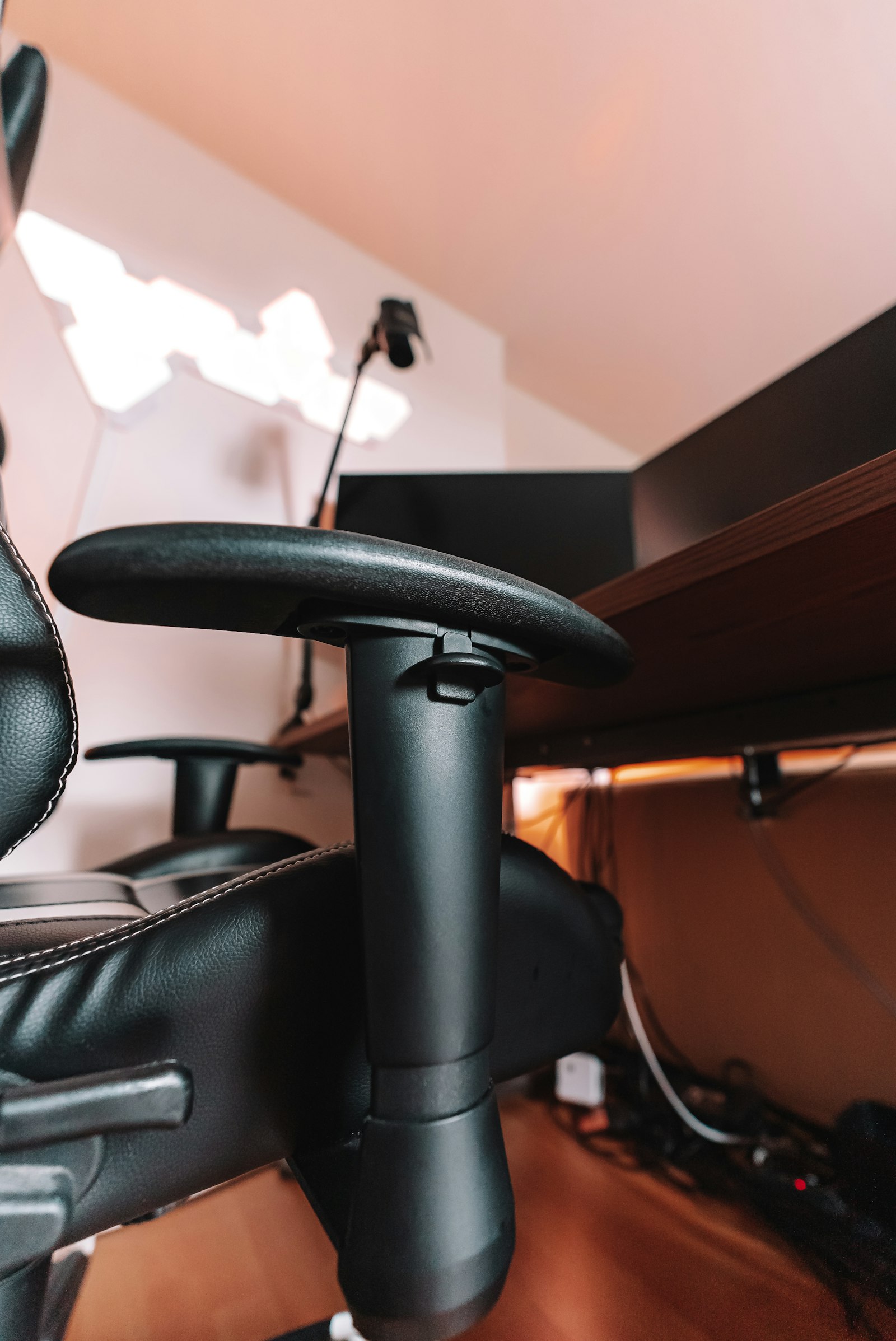
- Armrests: support without shrugging or blocking desk access.
- Inputs and screen: bring the work to you.
Change one variable, then work for ten to fifteen minutes. If you change height, depth, tilt, lumbar support, and monitor distance together, you may feel different without learning which change mattered. Keep the successful settings in a note or photo so they are easy to restore after someone else uses the chair.
When a Cushion Helps—and When It Makes Things Worse
A thin, high-friction layer can confirm that a slippery surface contributes to sliding. A purpose-built cushion may redistribute pressure when the original seat is too firm. But every cushion also raises the body, changes seat depth, alters lumbar contact, and can disable the contour the chair was designed around.
A wedge cushion that slopes forward is especially likely to worsen sliding unless the task, feet, and chair are designed for forward-tilted sitting. A thick soft cushion may bottom out unevenly and make the pelvis less stable. If you use one, restart the entire adjustment sequence instead of placing it on top of old settings.
For pain centered at the tailbone or sit bones, use the dedicated tailbone pain and sit bone pain guides.
How to Know the Chair Does Not Fit
A chair is a poor fit when its adjustment range cannot give you foot support, knee clearance, usable back support, and access to the desk at the same time. It may also be a mismatch if the seat contour pushes you forward at every depth, the lumbar curve cannot meet your back without creating pressure, or the armrests block the only workable desk position.
Before replacing it, test the chair for at least one ordinary work block after a controlled setup. If possible, compare another chair at the same desk. A generous return or trial period matters because fifteen minutes in a showroom may not reveal slow sliding.
If the chair is damaged, do not improvise around a failing gas cylinder, loose tilt mechanism, cracked base, or unstable seat. Repair or replace unsafe components.
When Sliding and Pain Need More Than Ergonomics
Get medical evaluation if discomfort includes persistent numbness, tingling, weakness, severe radiating pain, bowel or bladder changes, unexplained weight loss, fever, trauma, or symptoms that keep worsening despite reducing exposure. A chair can aggravate back, hip, or nerve symptoms without being their root cause. These warning signs align with Mayo Clinic guidance on when back pain needs medical care.
If the setup is mechanically sound but sitting tolerance remains very low, a clinician or ergonomist can help identify whether the limiting factor is the chair, the task, vision, a pain condition, or the need for a graded return to sitting. The guide to returning to desk work after a back-pain flare may also help you plan shorter work blocks.
Frequently Asked Questions
Should an office chair seat be flat?
Level is the best troubleshooting baseline. Some people like a slight forward or rearward tilt, but a forward slope needs enough friction and foot support to prevent sliding.
Why do I slide more when I recline?
The backrest may be moving away too easily, the seat may stay pitched forward, or the keyboard may be too far away to use while reclined. Increase tension and bring the work closer.
Can a footrest stop me from sliding?
Yes, when the chair must be high for the desk and the feet lack support. It will not fix a seat pan that slopes forward, slick upholstery, or a backrest that pushes the pelvis out.
Does sliding mean the chair is too big?
Sometimes. Excessive seat depth is common, but seat height, contour, tilt, friction, backrest shape, and desk reach can produce the same feeling. Test them in order before deciding.
Related Reading
- Office Chair Recline and Tilt Tension: How to Set Them Without New Pain
- Office Chair Tailbone Pain: Why Seat Depth, Foam, and Chair Fit Matter
- Office Chair Sit Bone Pain: Why Your Chair Hurts Your Butt Even If Your Back Feels Fine
Sources and Further Reading
- Canadian Centre for Occupational Health and Safety: Ergonomic Chair
- Canadian Centre for Occupational Health and Safety: How to Adjust Office Chairs
- OSHA Computer Workstations Purchasing Guide
- Cornell University Ergonomics: Choosing an Ergonomic Chair
- Mayo Clinic: Back Pain Symptoms and When to Seek Care
Medical Disclaimer
This article is for educational purposes only and is not medical advice. It is not intended to diagnose, treat, cure, or prevent any condition, and it does not replace care from a physician, physical therapist, or other qualified clinician. If you have severe pain, numbness, weakness, radiating symptoms, trauma, worsening symptoms, or questions about your specific situation, seek professional medical evaluation.